Photos 103
• We recommend not using the flash while the optional Wide-converter or
Tele-converter is attached; its shadow can appear on the screen.
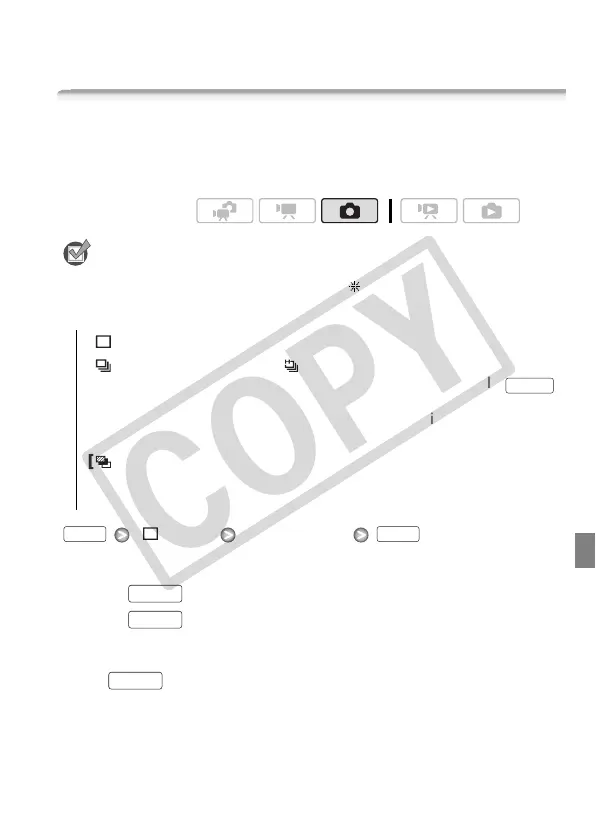
Drive Mode: Continuous Shooting and Exposure Bracketing
Take a series of photos of a moving subject or record the same picture
in 3 levels of exposure in order to choose later the photo you like the
best.
POINTS TO CHECK
• Select a recording program other than [
Fireworks].
Options
(
Default value)
[ Single] Desired option
Continuous Shooting/Hi-Speed Continuous Shooting
1 Press halfway to activate the autofocus.
2 Press fully and hold it pressed down.
Auto Exposure Bracketing
Press , first halfway to activate the autofocus and then fully to
record the 3 photos.
Operating modes:
[Single]
Records a single photo.
[ Continuous Shooting], [ Hi-Speed Continuous Shooting]
Captures a series of up to 60 photos as long as you hold
pressed down. There are two continuous shooting speed set-
tings: normal (approx. 3 photos/second) and high speed (approx.
5 photos/second).
[ Auto Exposure Bracketing] The camcorder records 3 photos
using 3 different exposures (dark, normal, light in 1/2 EV steps),
allowing you to choose the photo you like the best.
PHOTO
FUNC. FUNC.
PHOTO
PHOTO
PHOTO











 To Next Page