66 Video
Cinema Mode: Giving a Cinematic Look to your Recordings
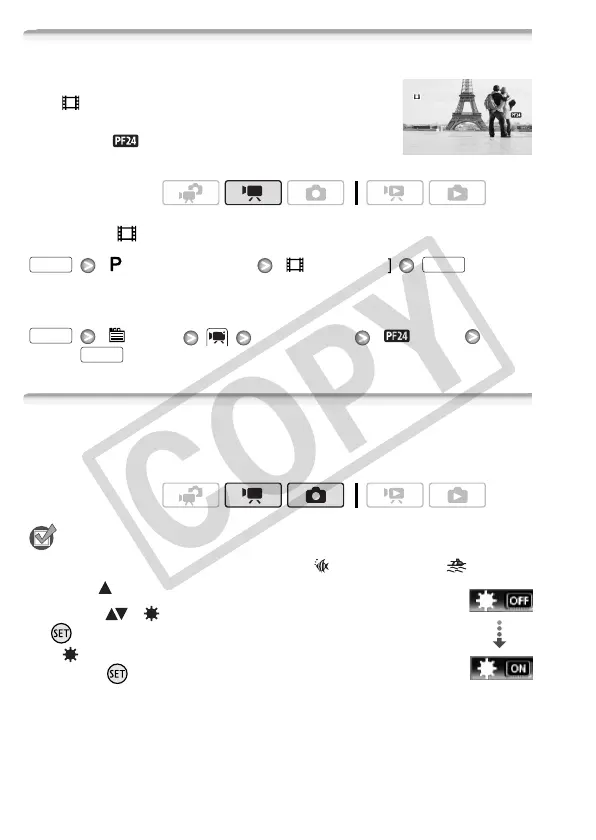
Give your recordings a cinematic look by using
the [ Cine Mode] recording program. Combine
this recording program with the 24 fps progressive
frame rate [ PF24] to get the enhanced effect
of the 24p Cinema Mode.
To set the [ Cine Mode] recording program
[ Programmed AE] [ Cine Mode]
To change the frame rate
[ Menu] [Frame Rate] [ PF24]
Mini Video Light
You can turn on the mini video light to shoot video or take photos in
dark places.
POINTS TO CHECK
• Select a recording program other than [ Underwater] or [ Surface].
1 Open ( ) the joystick guide.
2 Select ( ) [ Video Light] and press
.
• appears on the screen.
• Press again to turn the mini video light
off.
Operating modes:
FUNC. FUNC.
FUNC.
FUNC.
Operating modes:
Video Light











 To Next Page