Audio Equalizer
79
Audio Equalizer
You can use the audio equalizer to adjust sound levels by specifically targeting the high- or low-
frequency range. The audio equalizer settings are only available when recording sound using the built-
in microphone.
1 Open the [Built-in Mic Freq. Response] screen.
[FUNC.] [MENU] 7 [Built-in Mic Freq. Response]
2 Touch the desired option and then touch [a].
Options
(
Default value)
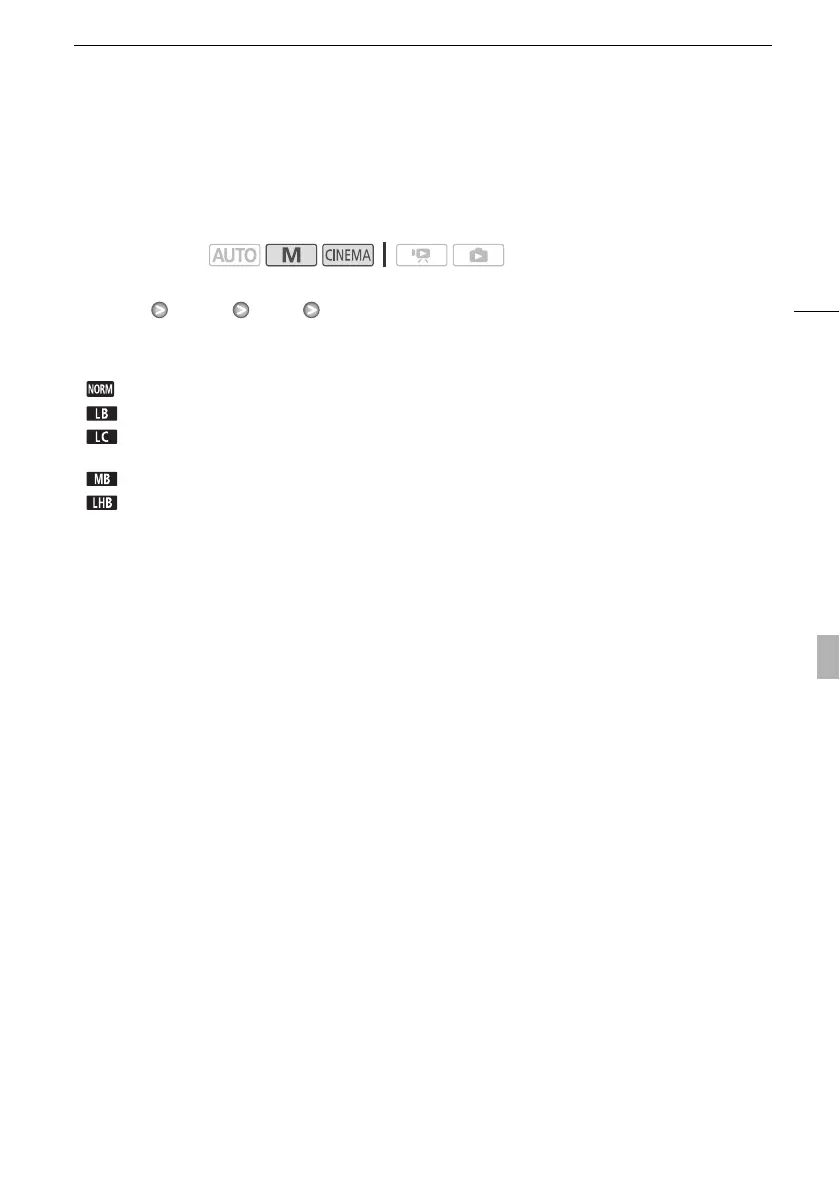
Operating modes:
[ Normal]
Appropriate for balanced sound under most normal recording conditions.
[ Boost LF Range] Accentuates the low-frequency range for more powerful sound.
[ Low Cut Filter] Filters the low-frequency range to reduce the noise of blowing wind, a car’s
engine and similar ambient sounds.
[ Boost MF Range] Best for recording human voices and dialog.
[ Boost HF+LF Range] Best, for example, for recording live music and clearly capture the spe-
cial sound characteristics of a variety of instruments.


 To Next Page