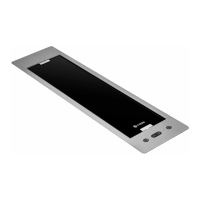
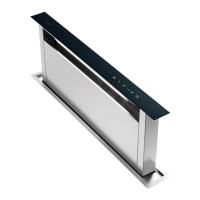
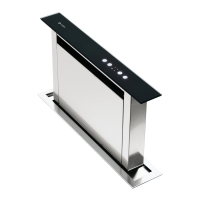
Instruction manual DD810BK
33
Please keep this instruction manual for future reference
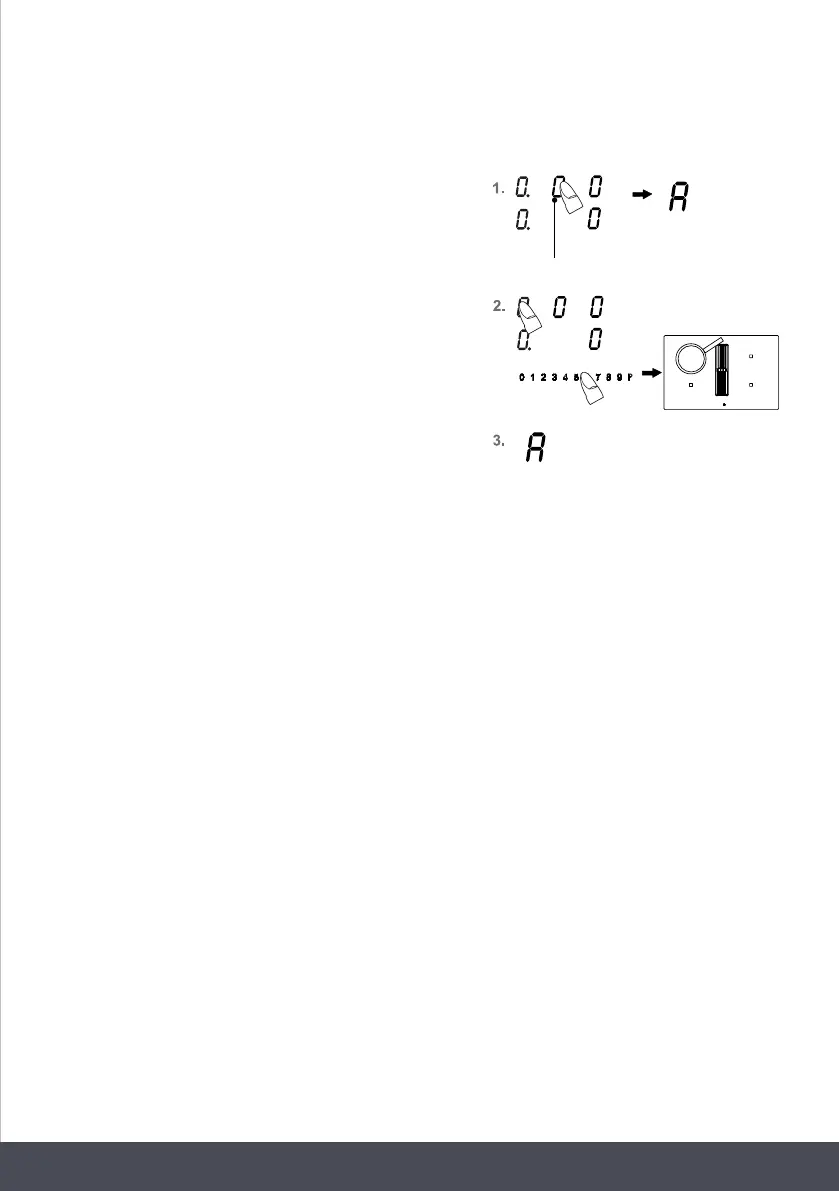
AUTOMATIC FUNCTION:
1. To select Automatic mode, press and hold the fan
display (as a key) until ‘A’ for automatic mode is
shown in the display. The standby dot will light up.
2. Then select one or more cooking zones and set a
power level.
3. The fan level is now automatically controlled
according to the set power levels.
The automatic mode operates slightly delayed and
gradually according to the set power levels.
You can switch back to manual mode at any time by
holding down the fan display or selecting the fan display
and pressing the touch control.
odours.
1. Select the fan indication.
2. Then use the Plus key or the Minus key of the
timer to set the required time for the fan time lag.
Left position: Hours
Centre position: Every 10 minutes
Right position: Every minute
3. After a few seconds, your selection will be assumed
and the procedure will have commenced.
The timer symbol of the fan lights up.
4. The fan will be switched off when the time has lapsed.
AUTOMATIC FUNCTION:
1. To select Automatic mode, press and hold the
fan display (as a key) until 'A' for automatic
mode is shown in the display. The standby dot
will light up.
2. Then select one or more cooking zones and set a
power level.
3. The fan level is now automatically controlled
according to the set power levels.
Press for a longer time
The automatic mode operates slightly delayed
and gradually according to the set power levels.
You can switch back to manual mode at any time
by holding down the fan display or selecting the
fan display and pressing the touch control.
FAN TIMER:
The fan timer is used after cooking to completely eliminate cooking
In addition, the filters are dried in the fan timer.
S E T T ING THE FAN TIMER:
If a cooking zone is switched on, the timer does not run until the cooking zone has been switched
off. If the hob is switched off using the ON/OFF key during fan after run-time, the timer runs down
to a low fan level.


 To Next Page