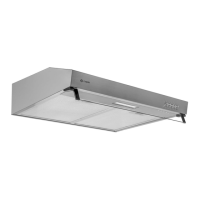
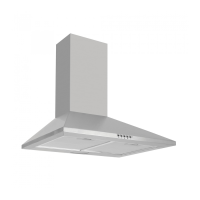
15Instruction manual PYR600Please keep this instruction manual for future reference
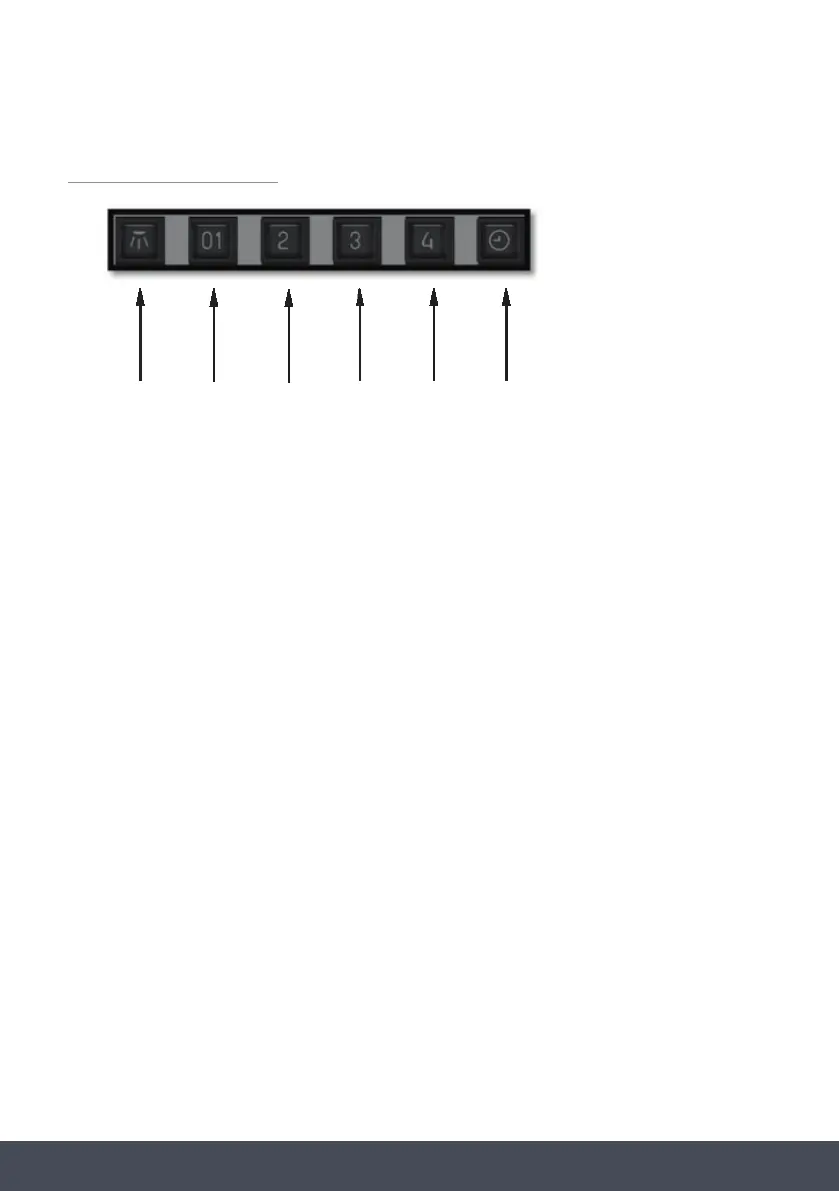
CONTROL PANEL
A. Light switch on/off
B. Motor switch - speed 1 / OFF
C. Motor switch - speed 2
D. Motor switch - speed 3
E. Motor switch - speed 4
F. 10-minute timer
A B C D E
CONTROL PANEL
A: Light switch on/off
B: Motor switch - speed 1 / OFF
C: Motor switch - speed 2
D: Motor switch - speed 3
E: Motor switch - speed 4
F: 10-minute timer
REAR DUCTED
To duct the appliance to the rear, remove the 18 screws from the motor support.
Take the metal support and motor out (Fig.11).
Rotate the motor to have the air outlet on the rear side and then fix the screws
previously removed (Fig.12).
11
12
F
AUTOMATIC TURN OFF
After 4 hours of continuous working from the last function selection, the appliance
automatically turns off.



 To Next Page