user guide 11
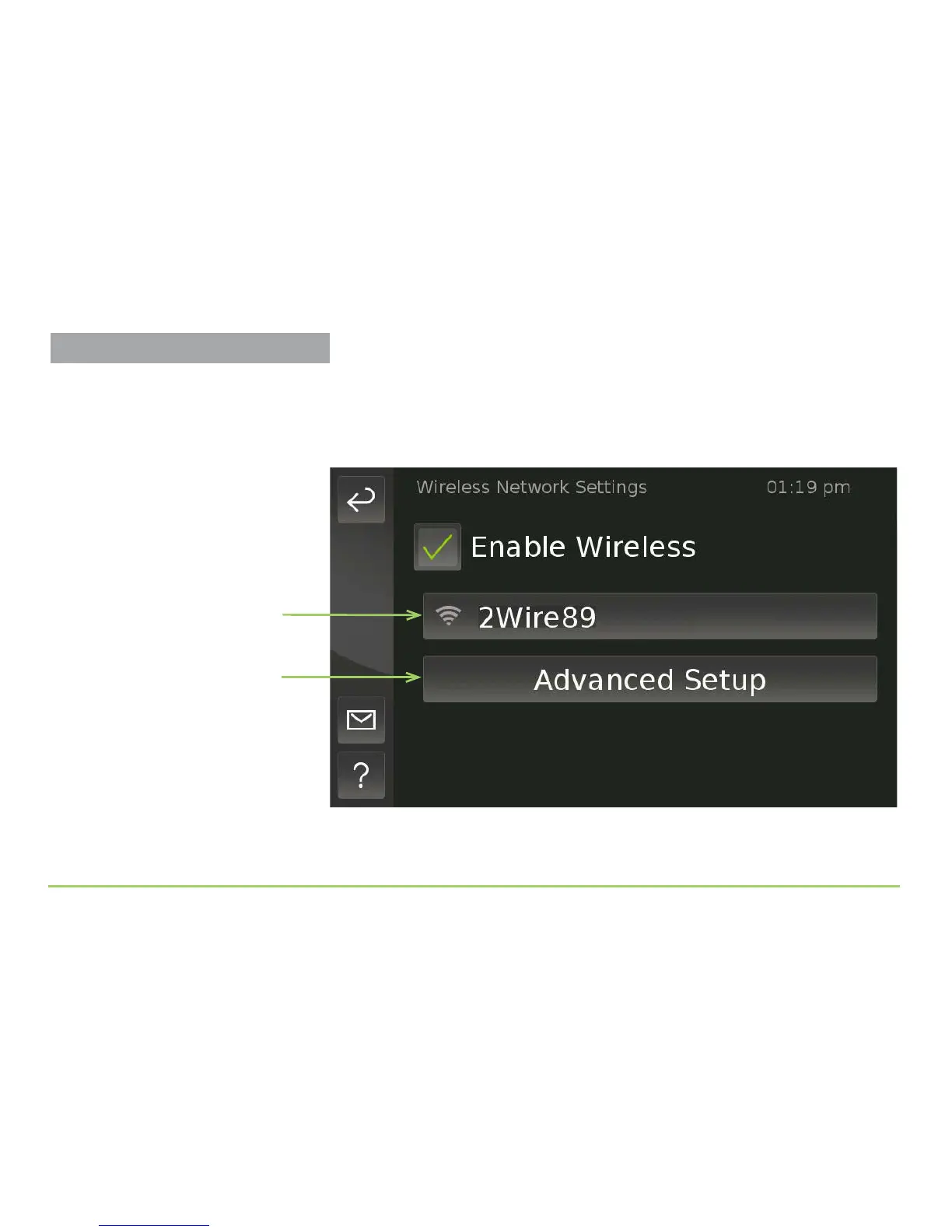
All routers (SSIDs) discovered by the phone will be listed as buttons on the
screen (one SSID button is shown in the image below). If the phone
cannot automatically connect to your router, you probably have to enter a
key (password). You will need to know the key to be able to proceed.
Step 7: Touch the button that matches your router’s SSID.
Advanced Setup button
Discovered router (SSID)
Already Connected to a Router?
After the phone connects to a nearby
router (SSID), that router’s name will be
shown in green type on this screen.
Setting Up the Wireless Feature



 To Next Page