12 CaptionCall
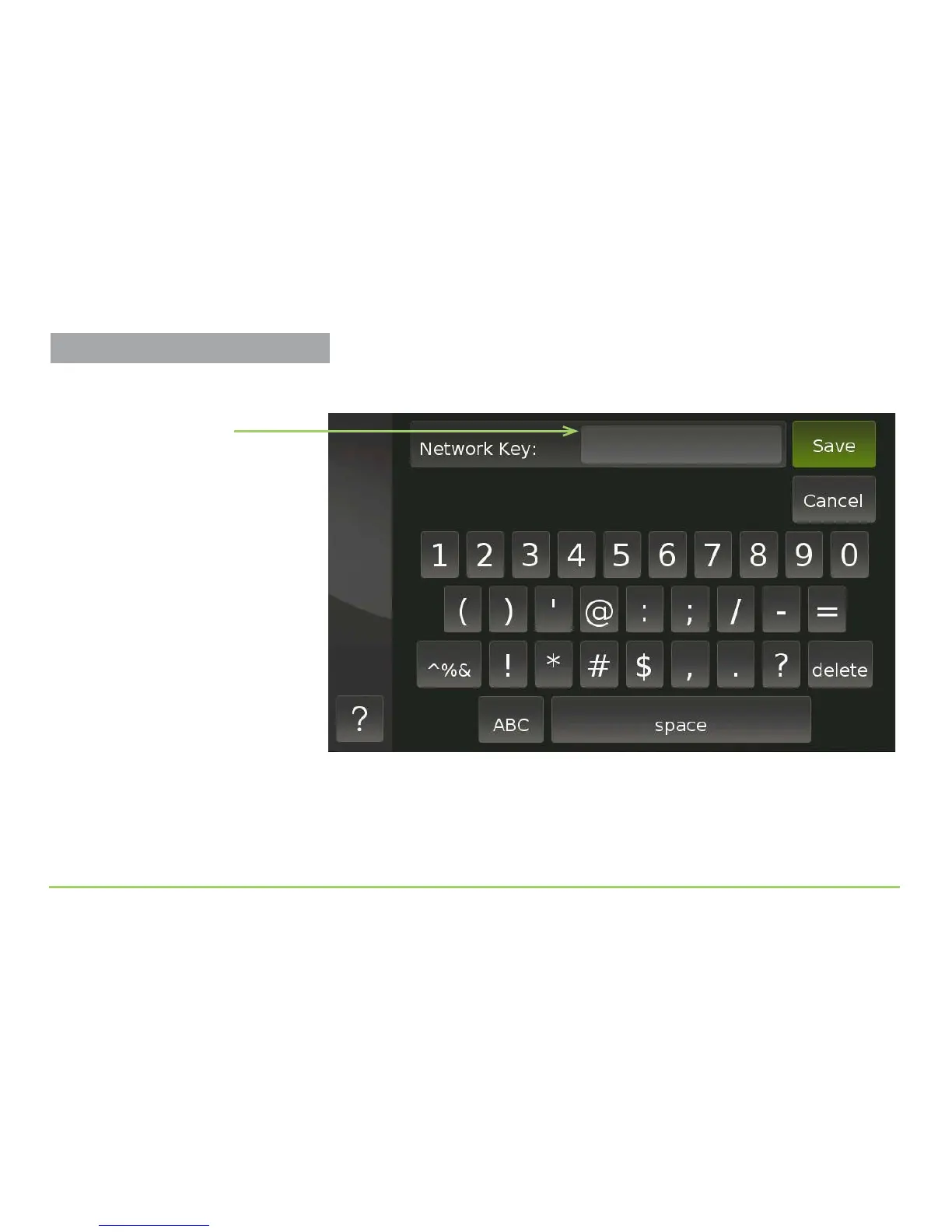
e screen shown below will appear. You use this screen to enter the
network key that the phone needs to connect to your wireless router.
Step 8: Use the keyboard to carefully enter the key.
Step 9: Touch the Save button to connect to the router.
You will then be back at the Wireless Network Settings screen. e text on
the SSID button will have turned green to indicate the connection.
Network Key field
Setting Up the Wireless Feature



 To Next Page