user guide 13
If you need to troubleshoot problems or make other changes, you will have
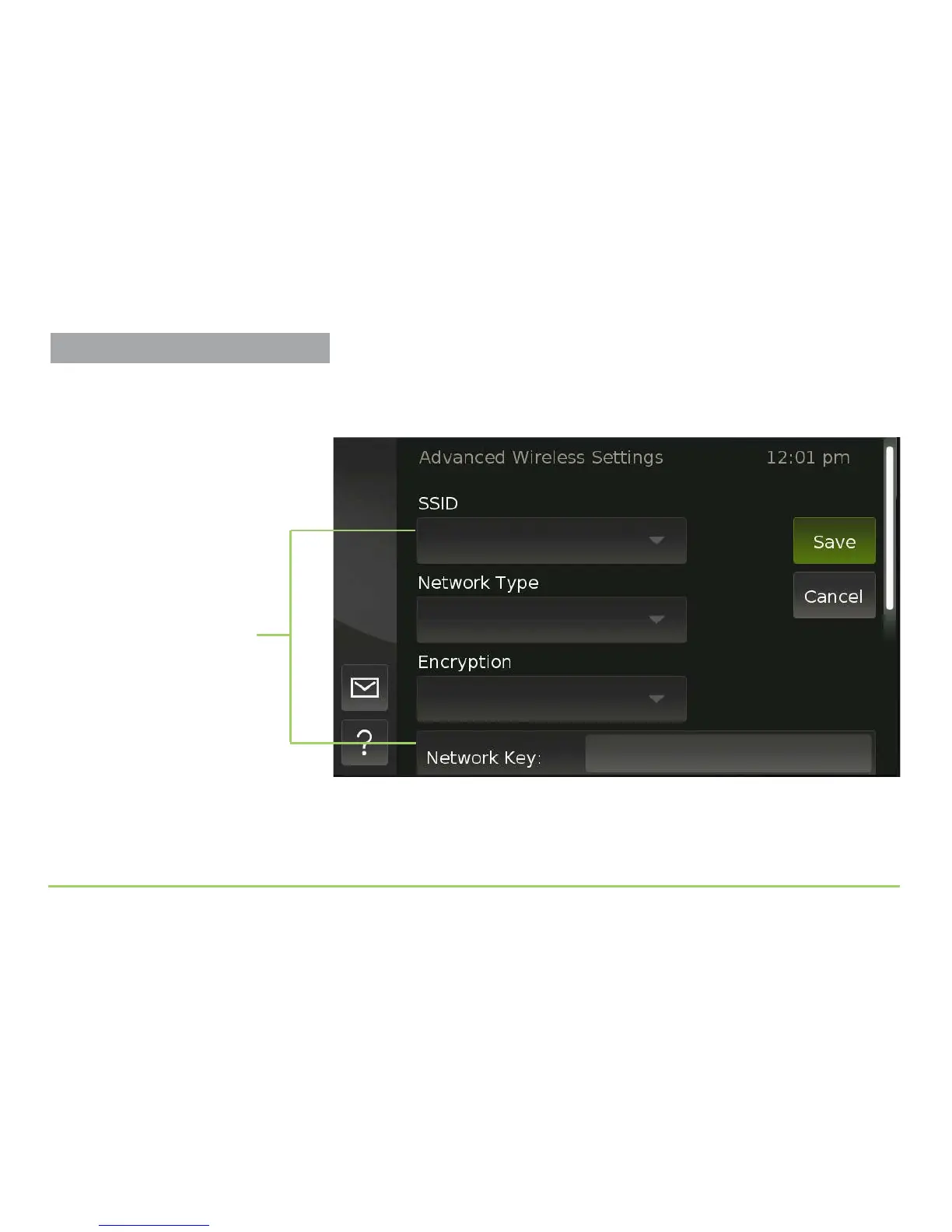
to open the Advanced Wireless Settings screen shown below. To do so, touch
the Advanced Setup button on the screen.
e steps that follow below describe using the controls on the Advanced
Wireless Settings screen to make custom settings. You do not need to follow
the remaining steps if you’ve already successfully connected to your router.
Drop-down lists and fields
for custom settings
Setting Up the Wireless Feature



 To Next Page