122 CaptionCall
Table of ContentsNetwork Diagnostics
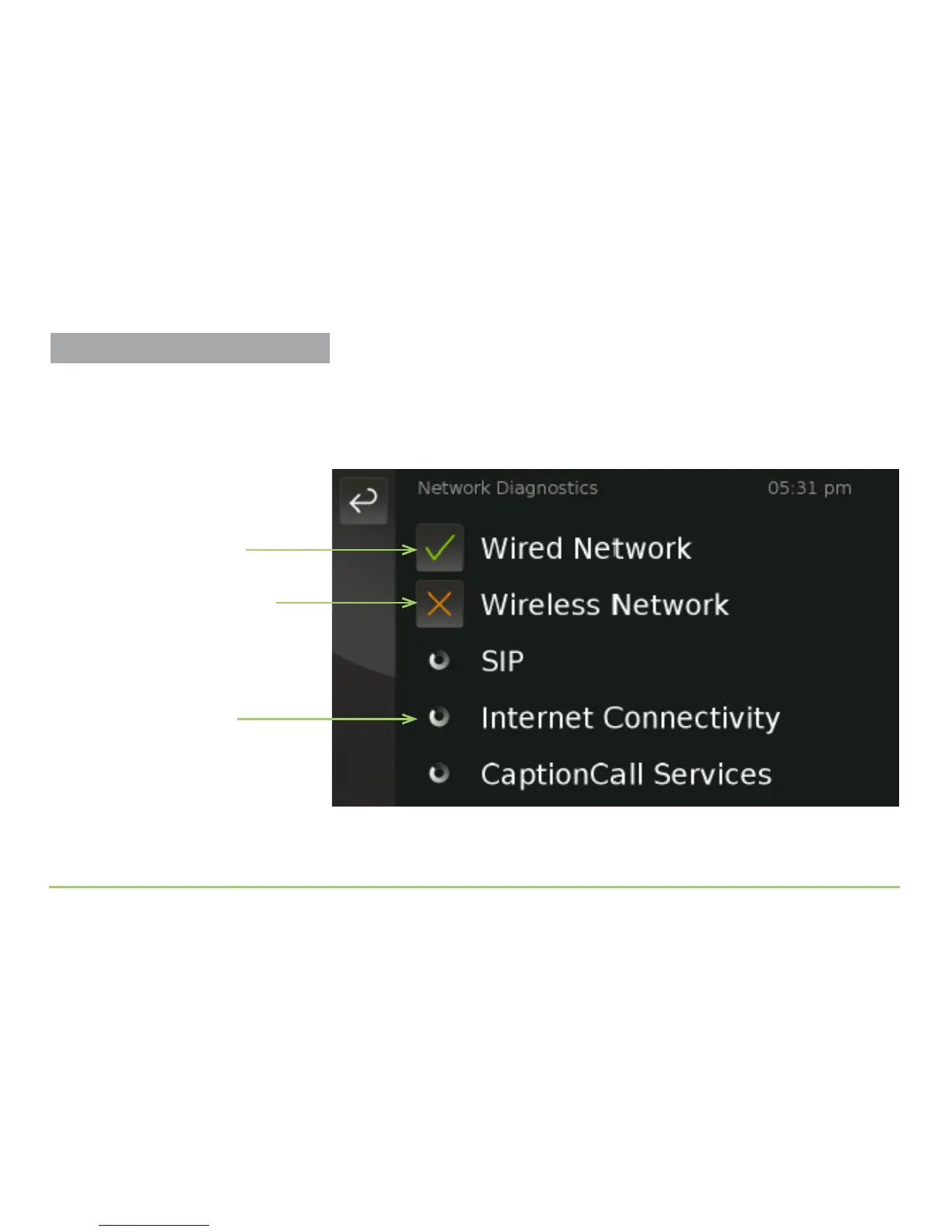
Touching the Network Diagnostics button will start a series of tests that
can help to diagnose network connectivity problems. As shown in the
image below, dierent icons are used to indicate tests in progress, tests that
showed an “OK” result, and tests that showed a “Not OK” result.
You can touch the OK or Not OK icons for the Wired and/or the Wireless
tests to see specic details about the tests that were run.
Test is in progress
Test result was “OK”
Test result was “Not OK”



 To Next Page