user guide 123
Network Diagnostics
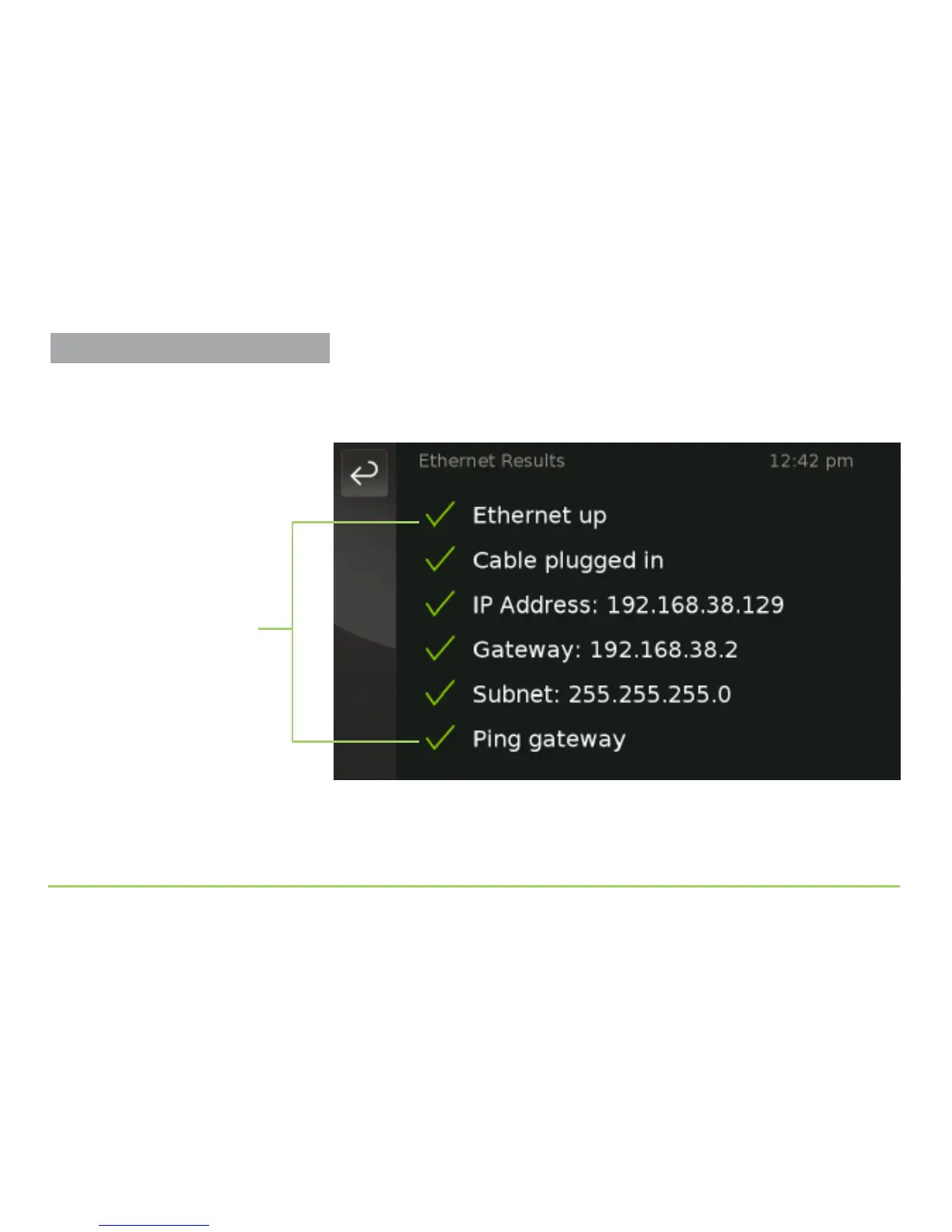
For example, touching the OK icon for the Wired Network test will
display the Ethernet Results screen shown in the image below. In this
example, all the tests were successful (i.e., they show a check mark).
An orange X will appear next to the name of any test that was not
successful. You can view details for the SIP, Internet Connectivity, and
CaptionCall Services tests only if these tests fail.
Individual test results



 To Next Page