124 CaptionCall
Table of ContentsNetwork Diagnostics
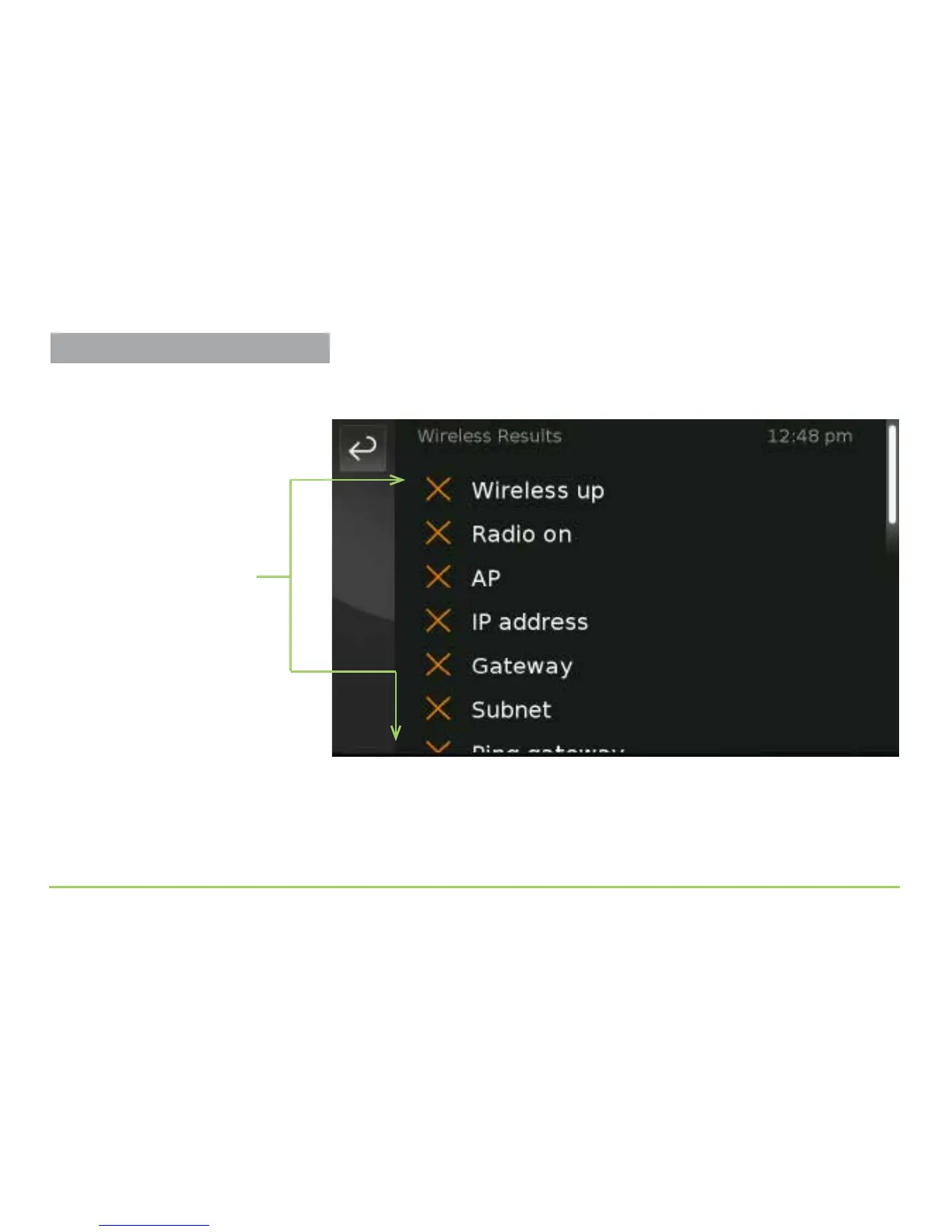
Touching the Not OK icon for the Wireless Network test will display a list
of the wireless test results as shown in the image below.
Scroll the screen to see all the tests. You can repeat this process to see the
individual results for any test. If the test results do not help you solve the
problem, please call the CaptionCall Support team for assistance. See
Page 4 for the Support team’s phone number and email address.
Individual test results



 To Next Page