16 CaptionCall
To practice using the touchscreen display, follow these steps:
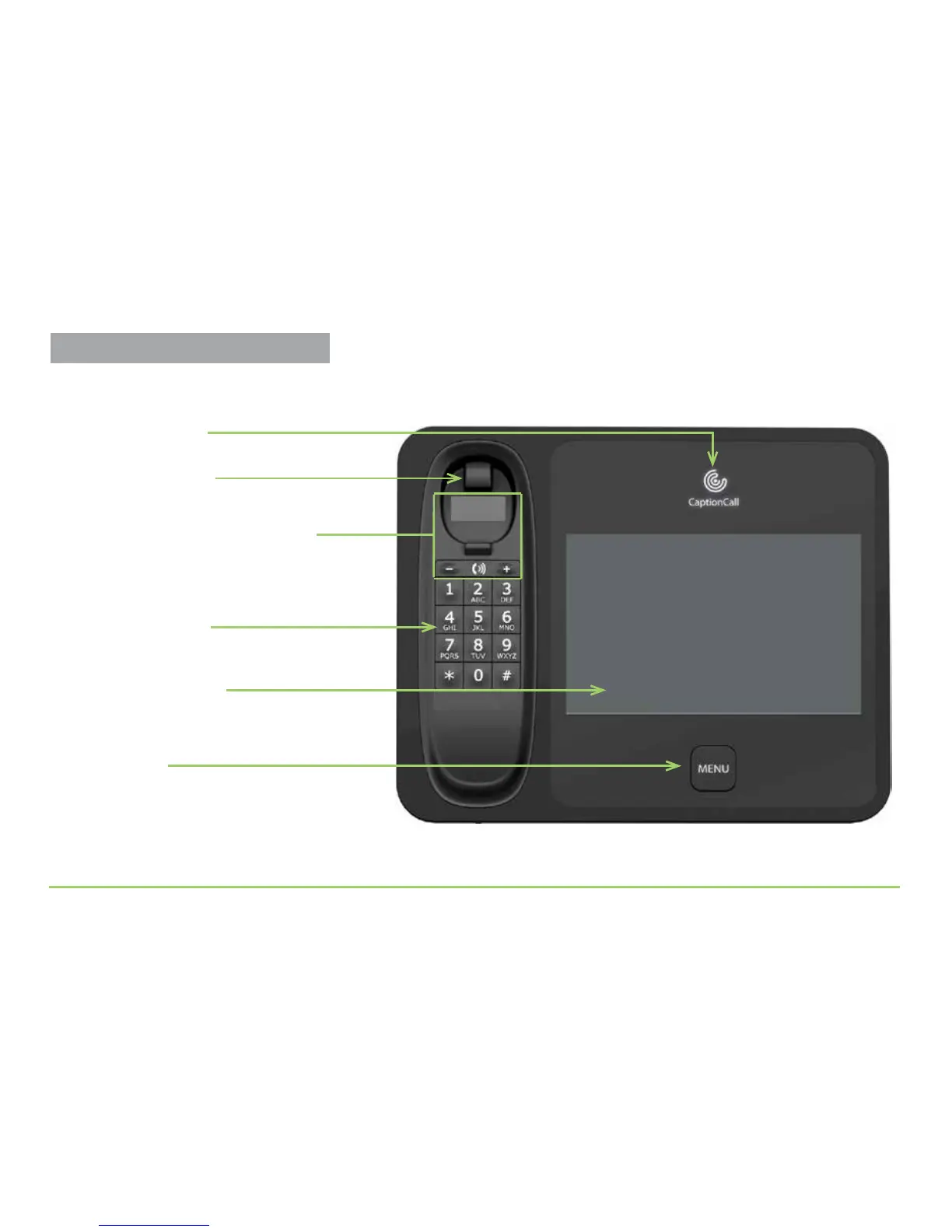
Step 1: Locate the parts and buttons around the display screen.
Step 2: Press the Menu button located beneath the display screen.
Telephone keypad
Menu button
Touchscreen display
Shows whether the captioning service is on or off
Shows captions and interface to phone features
Press to access the phone’s features
Works just like a regular telephone
Handset volume controls and light
Press + for higher volume or — for less volume
Display lights up to warn if volume is set too high
Switch hook button
Press to hang up a call
Practice Using Touch Display



 To Next Page