user guide 17
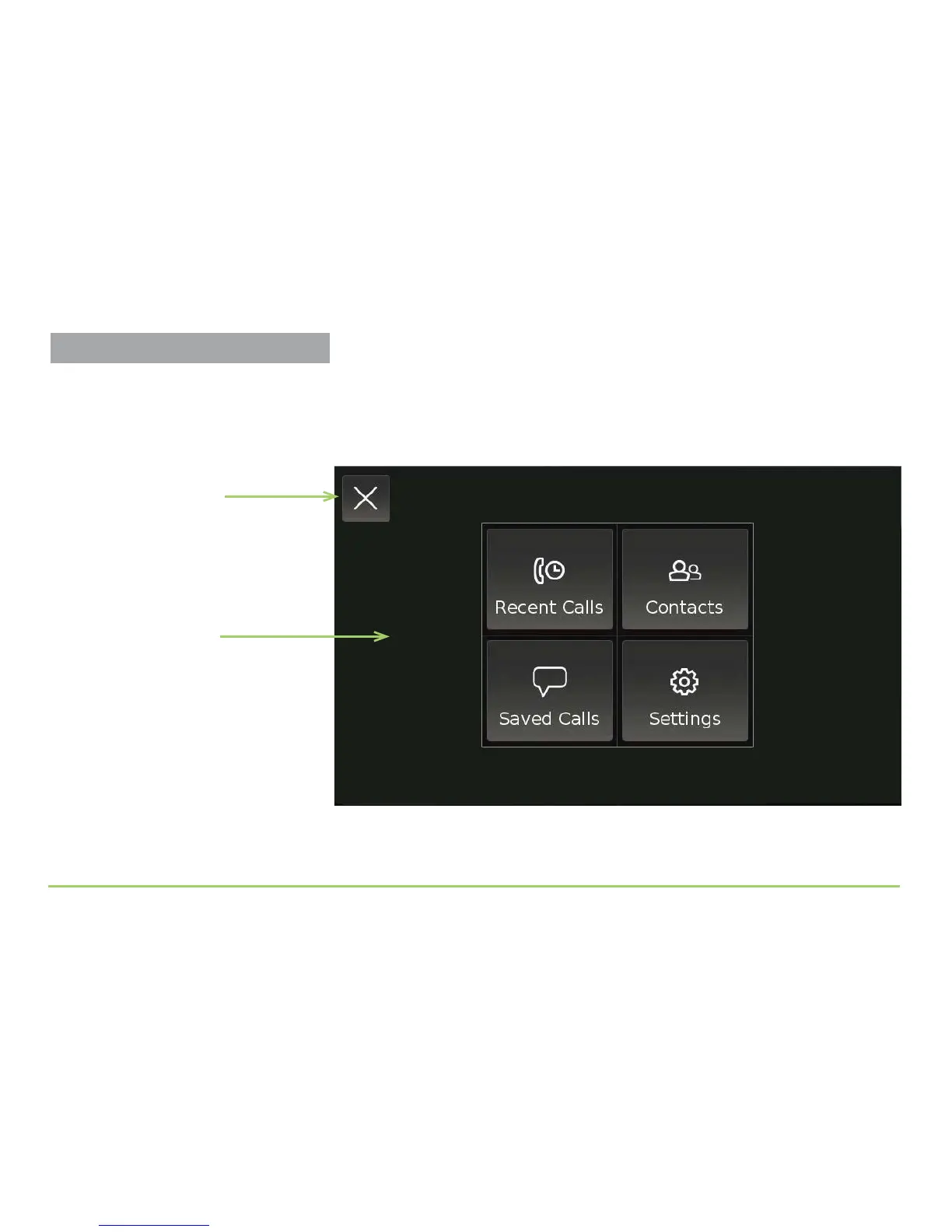
e Menu screen will then appear as shown below. e buttons in the
center of the screen are used to access the phone’s major features. Notice
the X (Close) button at the top-left corner. Touching this button closes the
Menu screen and returns you to the previous screen.
Step 3: Touch the Close button at the top-left corner of the screen.
You can also press the Menu button again to close the Menu screen.
Close button
Menu screen
Practice Using Touch Display



 To Next Page