18 CaptionCall
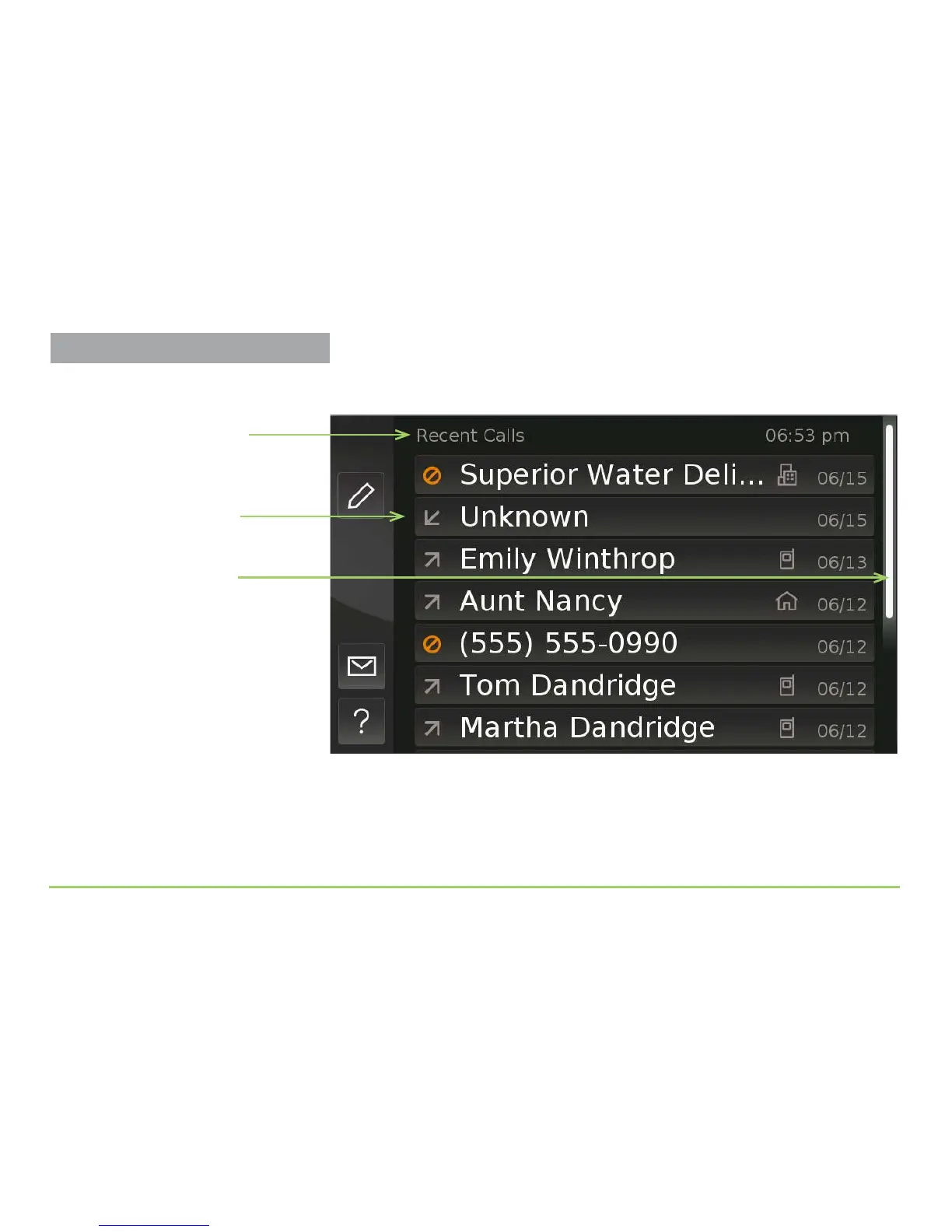
e Recent Calls screen will then appear as shown below. Notice the various
parts of this screen described by the captions.
e presence of the Position Indicator means the list of calls is longer than
can be shown in the current view. ere is no X (Close) button because the
Recent Calls screen is one of the “main” screens of the user interface.
Step 4: Touch the screen anywhere, then drag your finger upward.
Position Indicator
Name of the screen
List of recent calls
About the Position Indicator
The presence of the Position Indicator
on this or any other screen means that
you will have to scroll the image to see
the screen’s entire contents. Scrolling is a
simple touch-the-screen-then-drag
motion described in this section.
Practice Using Touch Display



 To Next Page