user guide 19
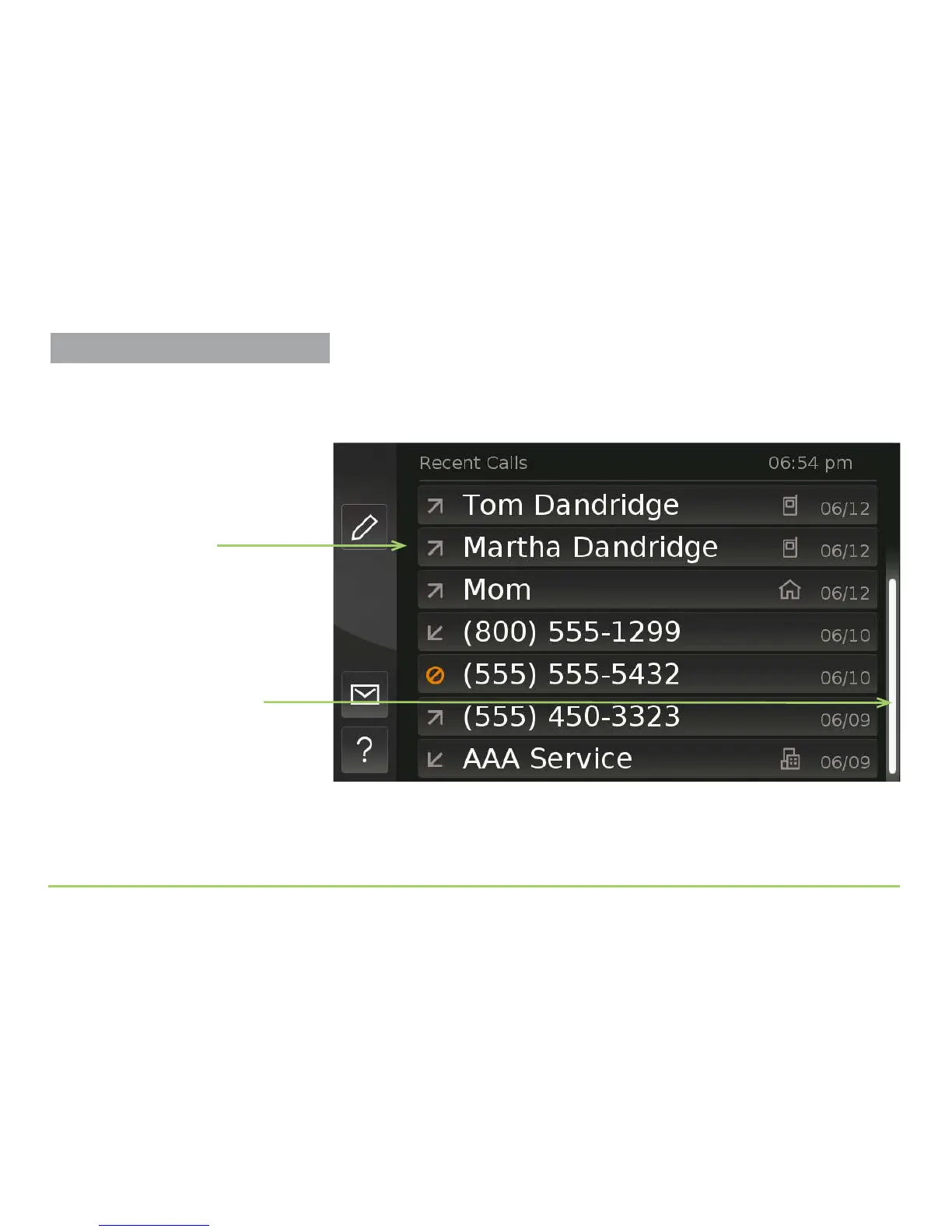
To scroll the image on the display screen, touch the screen and then drag
your nger upward or downward. e image will move as you drag your
nger. e image below shows the Recent Calls screen scrolled upward.
Step 5: Practice scrolling the image until you get the hang of it.
You can also “ick” your nger up or down the screen to increase the
scrolling speed. e image will move more quickly, then come to a stop.
Position Indicator has
moved after scrolling
List of names has changed
after scrolling
Practice Using Touch Display



 To Next Page