20 CaptionCall
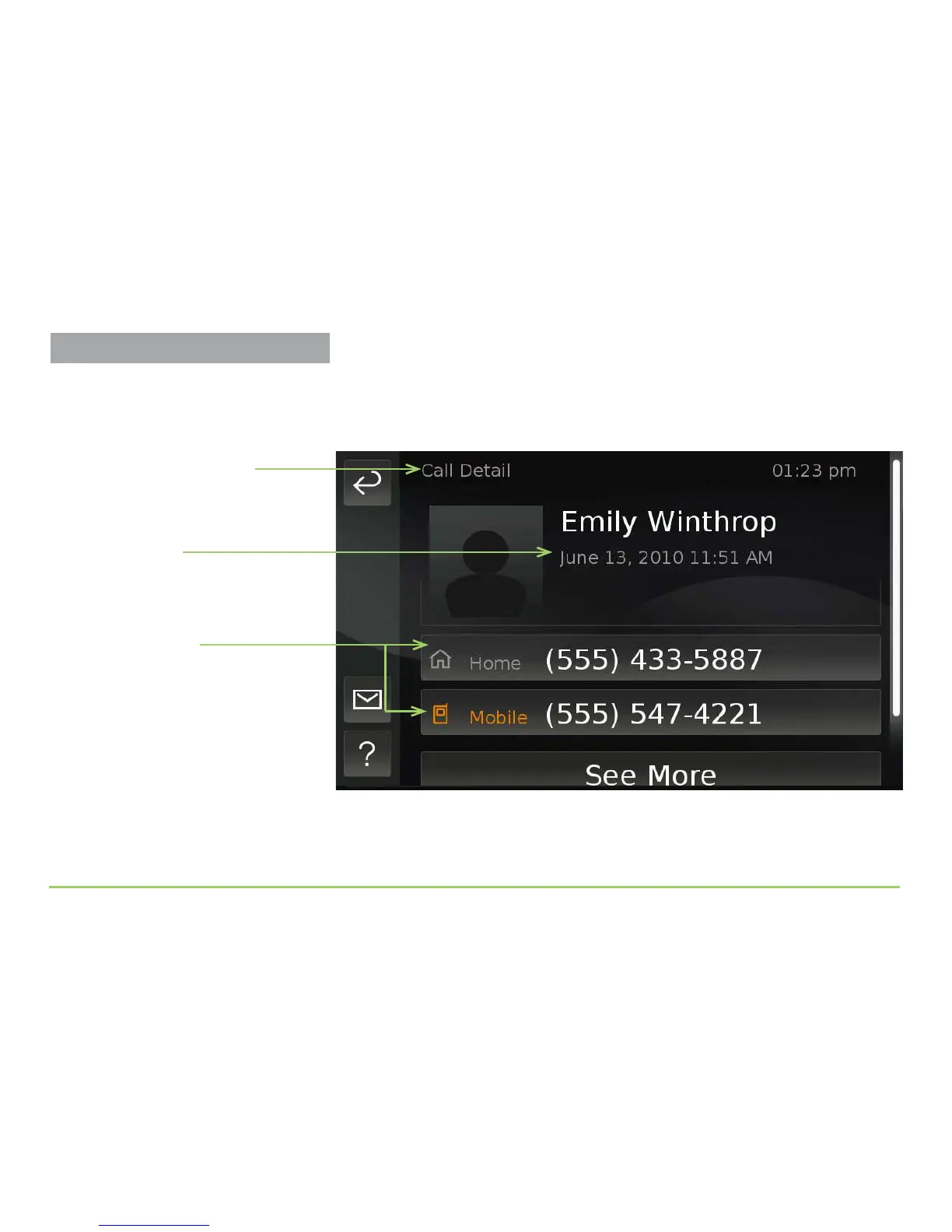
Step 6: Touch any call in the list to see more detailed information.
e Call Detail screen will then appear as shown below. You can see details
for any call on the Recent Calls screen by just touching the call.
Two phone numbers are shown for this caller because “Emily Winthrop”
has already been added to the Contacts list. e buttons on the screen will
be somewhat dierent for calls that do not have a contact record.
Date and time call was
received
Name of the screen
Phone numbers for
this contact
About the Colored Numbers
If more than one phone number is stored
for a contact, the last number used to call
you will be highlighted in orange. The
Mobile number is orange in this example.
Practice Using Touch Display



 To Next Page