user guide 21
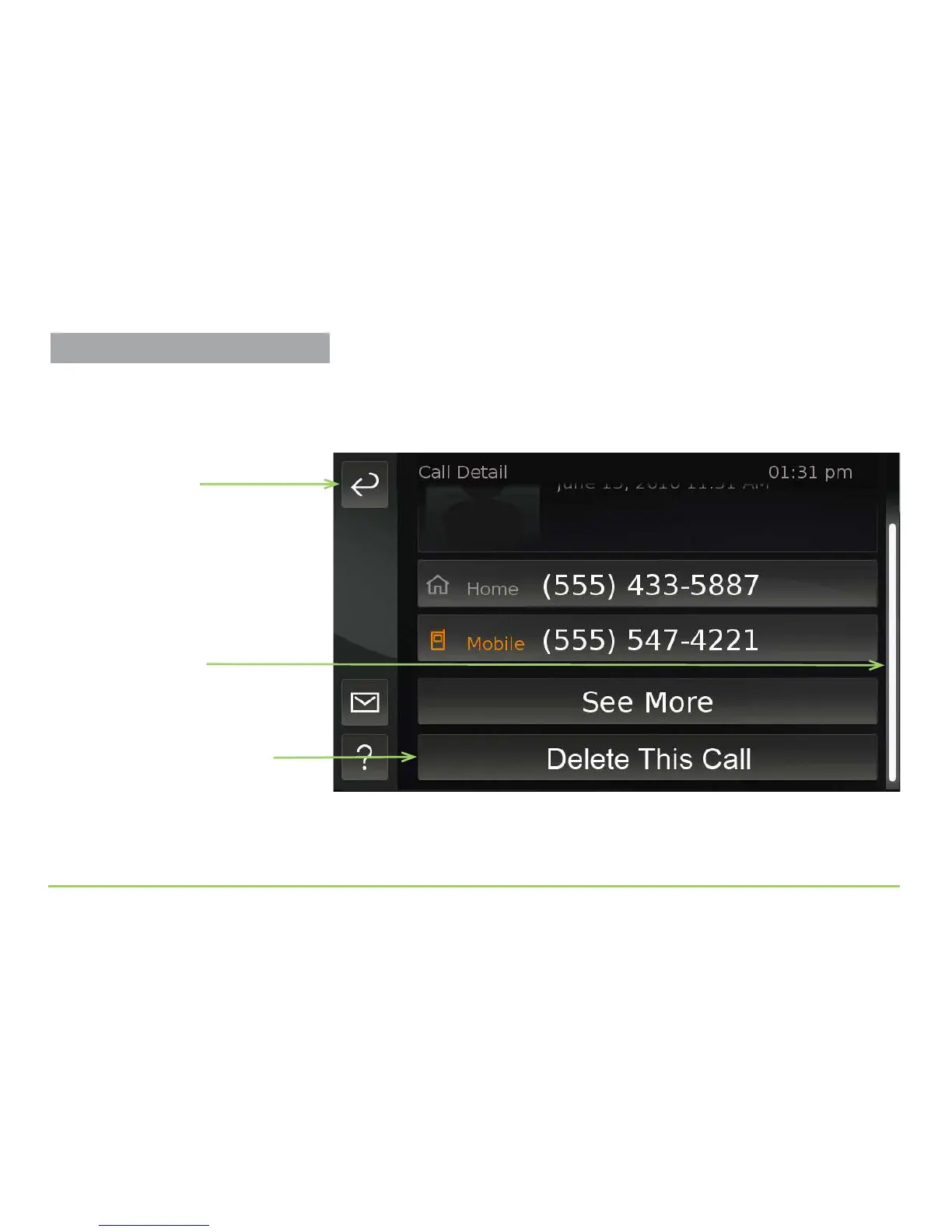
Step 7: Touch the screen and then drag your finger upward.
After scrolling the screen upward, the bottom portion of the Call Details
screen will then appear as shown in the image below.
Notice that the Delete is Call button was revealed. e Position
Indicator also moved all the way down to show that the view has been
scrolled upward so there’s nothing to see below the current view.
Position Indicator has
moved down
Delete This Call button
was revealed
Back button
Practice Using Touch Display



 To Next Page