22 CaptionCall
Step 8: Touch the Back button to go back to the previous screen.
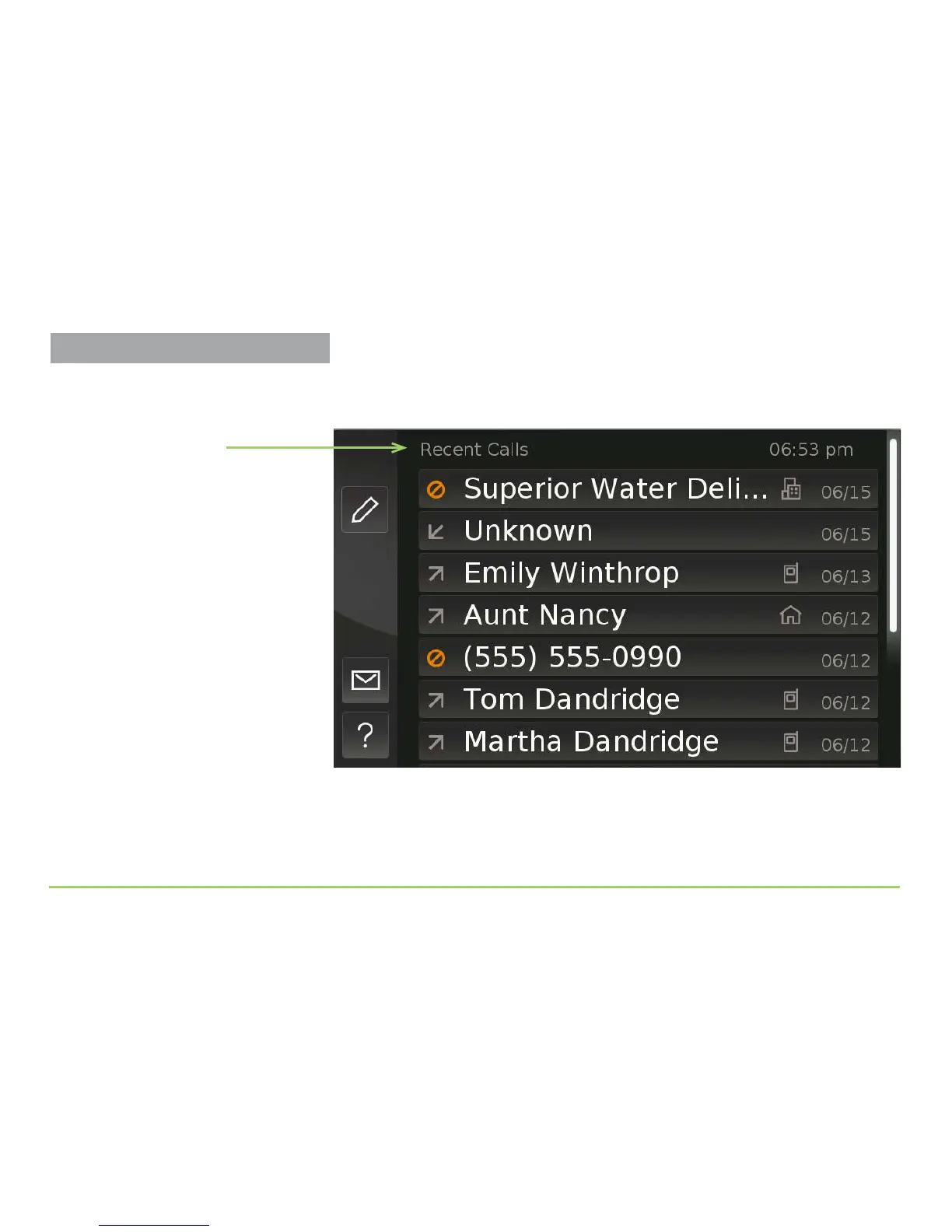
You will then be back at the Recent Calls screen as shown below.
If you like, you can spend some more time now practicing your scrolling
and selecting skills. After you feel you’ve practiced enough, go on to the
next section to learn how to use your CaptionCall phone’s main features.
Name of screen
Practice Using Touch Display



 To Next Page