user guide 37
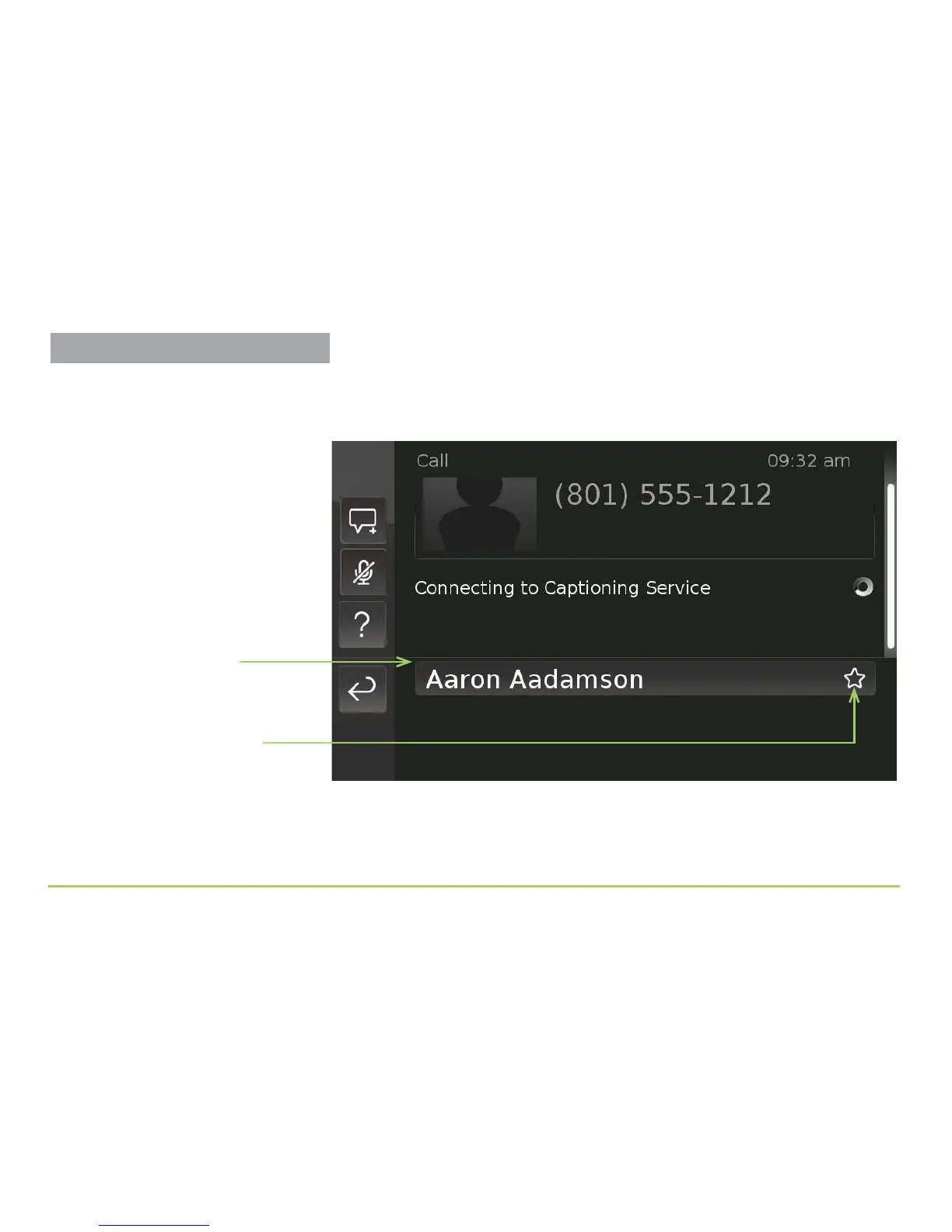
e sample image below shows a list of contacts for the letter “A.” In this
example, the phone has only one contact for the letter “A” and this one
contact also happens to be a favorite contact (as shown by the star icon).
To see details about any one of the contacts in the list, touch its button.
Step 4: Touch the contact that you want to open from the list.
List of contacts that start
with the letter “A”
Icon showing that this
contact is a “favorite”
Using the In-Call Menu



 To Next Page