user guide 45
Reviewing Recent Calls
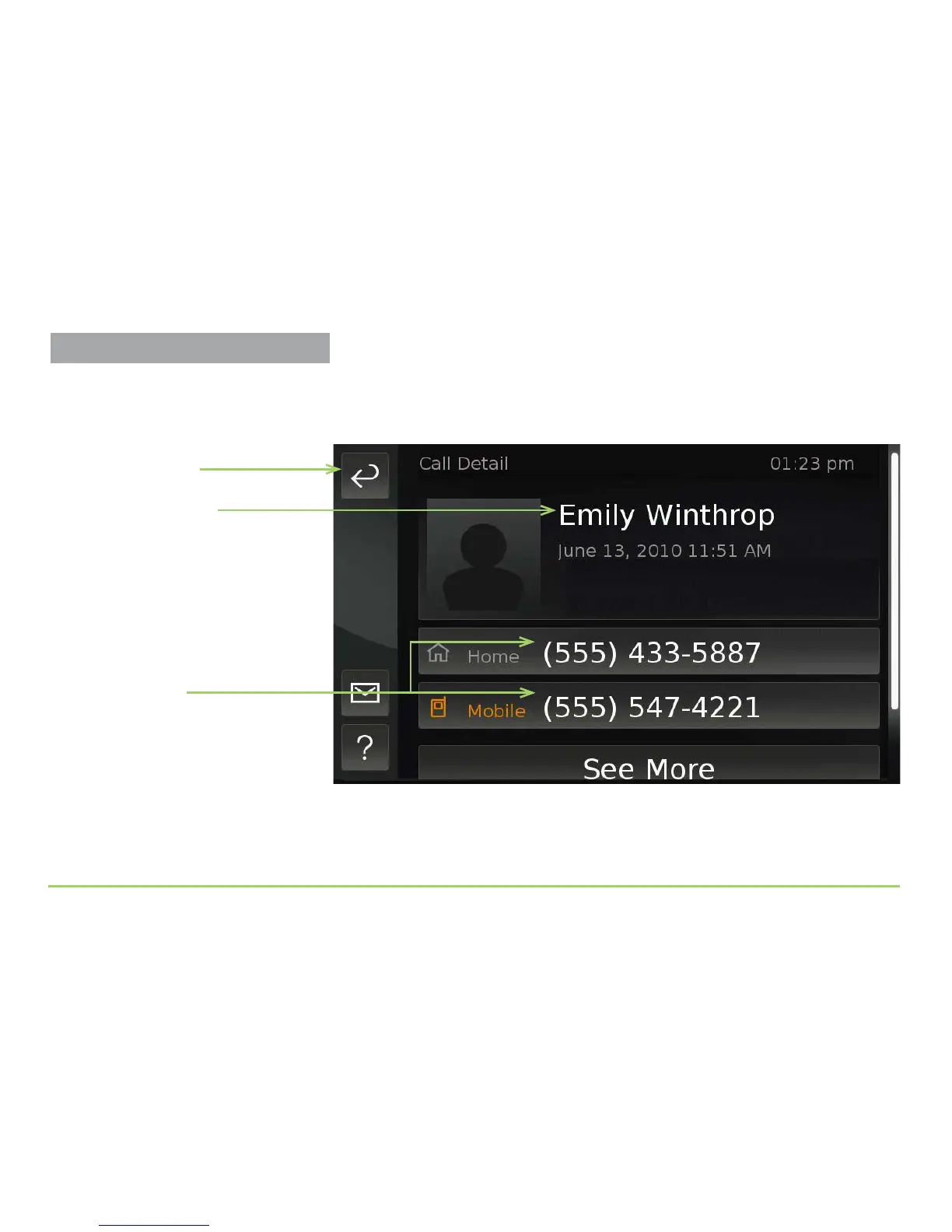
e Call Detail screen will then appear as shown below. In this example
image, the person who called is named “Emily Winthrop.” ere are two
phone numbers stored in the contact record for Emily.
ere’s one more button on this screen, which you can scroll to see.
Step 4: Touch the screen and then drag your finger upward.
Contact’s name
Back button
Contact’s phone
numbers



 To Next Page