46 CaptionCall
Reviewing Recent Calls
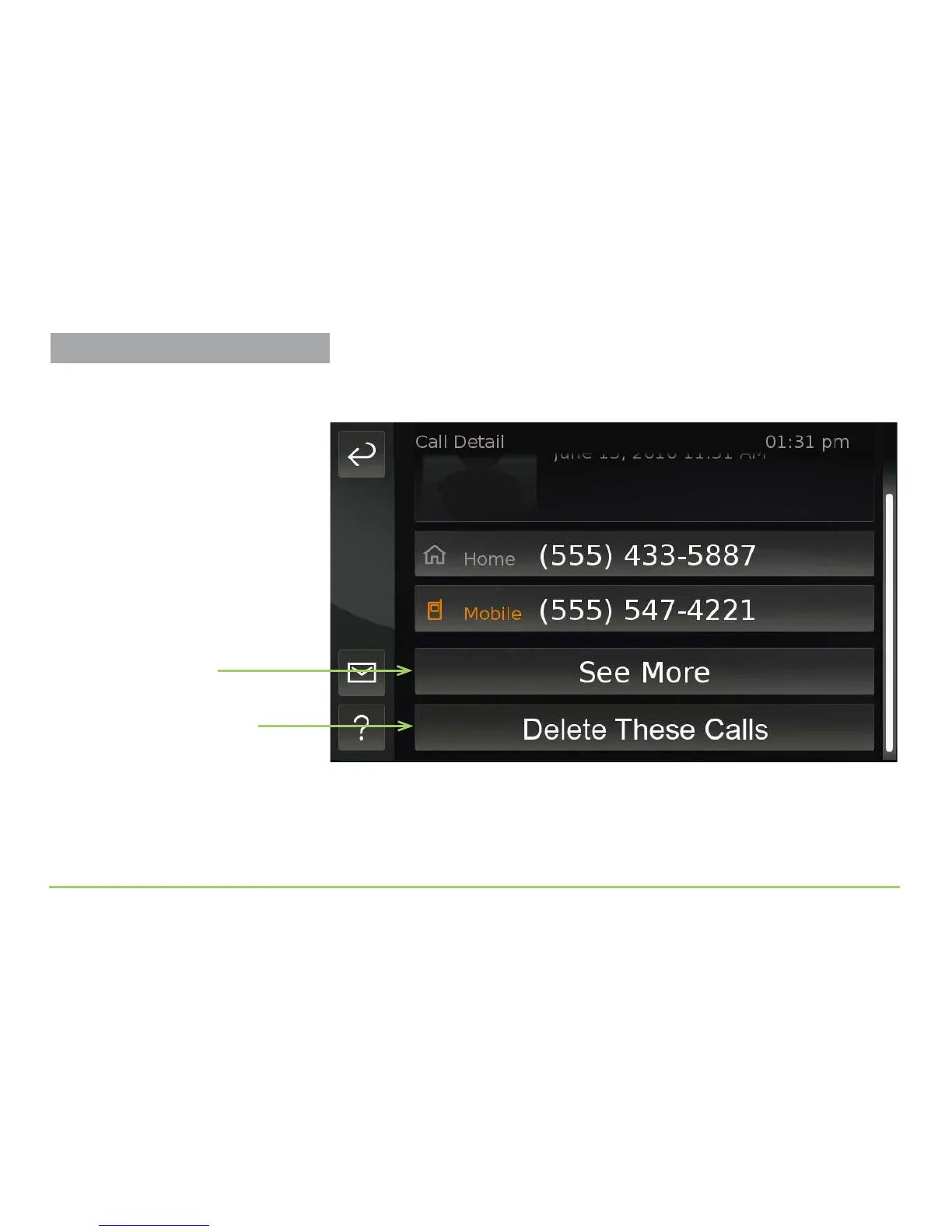
After scrolling the screen upward, you will see the Delete ese Calls
button that was not visible before, as shown below.
e Delete ese Calls button is used to remove calls from this phone
number from the Recent Calls screen. e See More button is used to show
a list of all the calls that were recently made to, or that were received from,
this phone number.
See More button
Delete These Calls button



 To Next Page