user guide 47
Reviewing Recent Calls
Step 5: Touch the See More button.
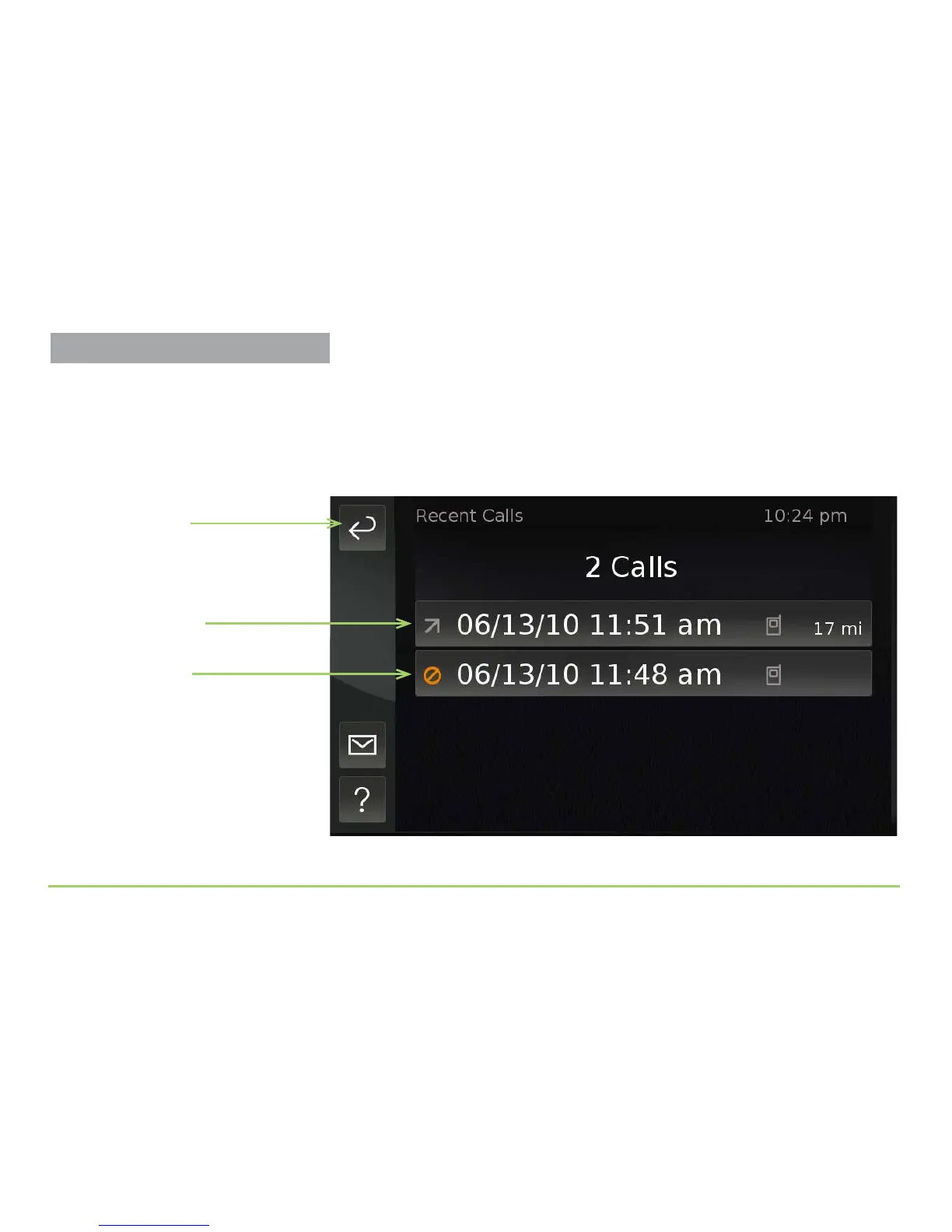
After touching the See More button, a list of the calls will appear. e list
shows calls that were made to, received from, or missed from this contact.
e sample below shows that one call was missed and one outgoing call was
made to this contact. e dates and times of these calls are also listed.
Step 6: Touch the Back button.
Back button
Outgoing icon
Missed icon



 To Next Page