52 CaptionCall
Adding Contacts
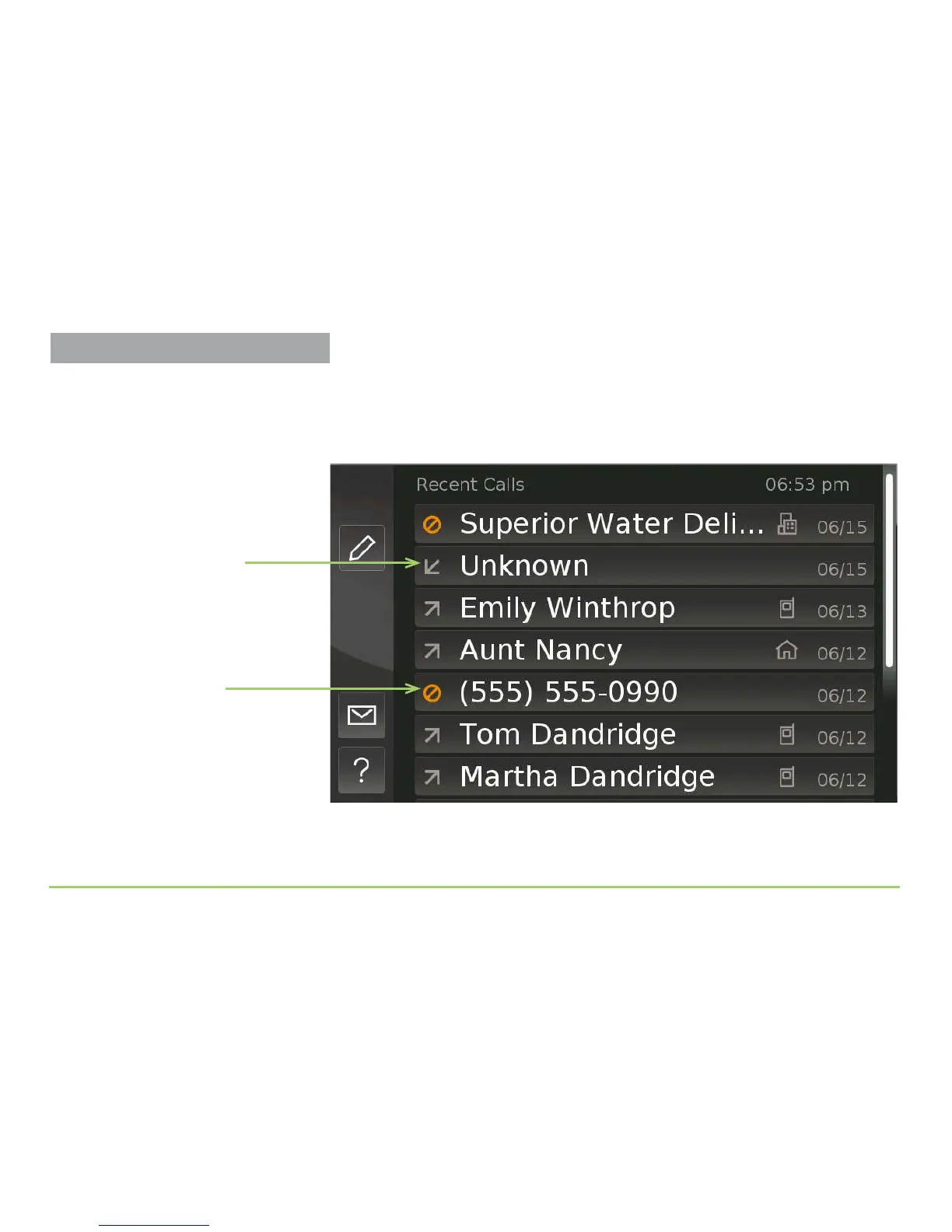
e Recent Calls screen will then appear as shown below. is sample
image shows one “Unknown” call (i.e., a call that had no Caller ID
information) and one missed call from a revealed number. All of the other
calls in this sample list are associated with existing contact records.
Let’s say that you recognize the number of the one missed call.
Step 3: Touch the call that you want to add as a new contact.
Missed call icon
Incoming call icon



 To Next Page