user guide 53
Adding Contacts
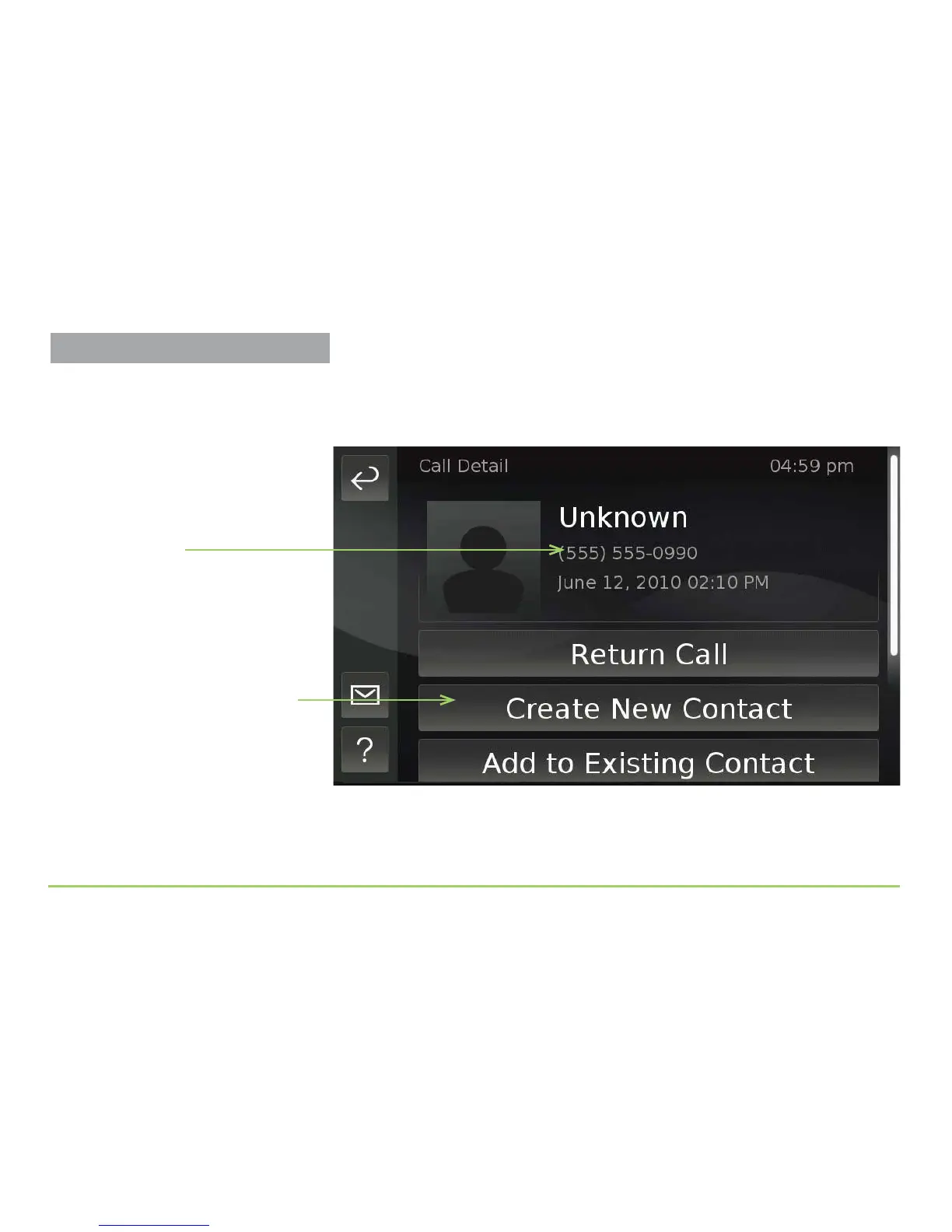
e Call Detail screen will then appear as shown below. e top part of the
screen shows information about the call. Because you know the person
who has this phone number, you can add the number to a new contact.
If you did not recognize this number, you would not add it to a contact.
Step 4: Touch the Create New Contact button.
Create New Contact button
Information about
this call



 To Next Page