56 CaptionCall
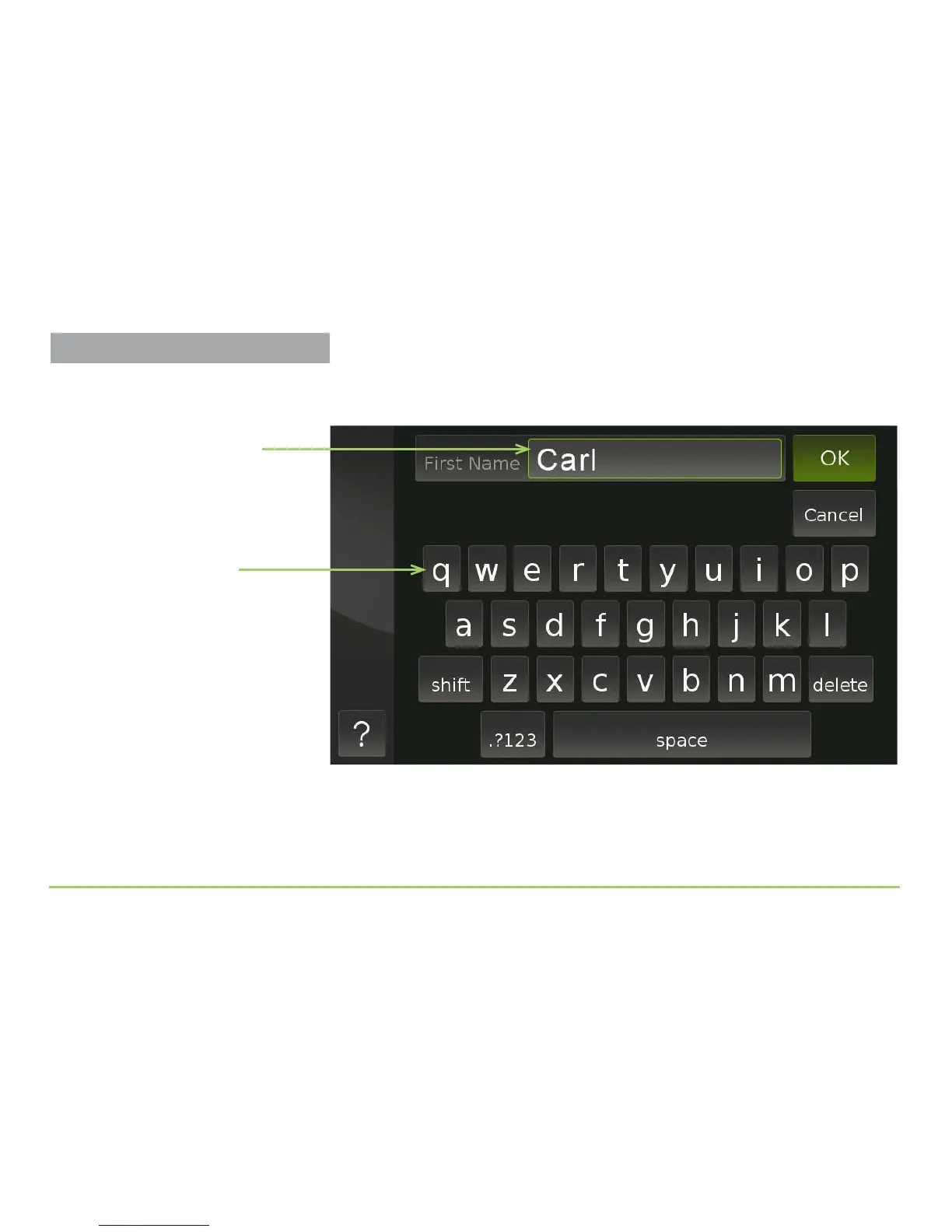
In the example image shown below, the name “Carl” has been entered into
the First Name eld.
Step 7: Touch the OK button to save the name you entered.
Lowercase letters
Name entered in field
It’s Easy to Fix Mistakes...
If you type in the wrong letter(s) when
entering a name, simply tap your finger
to the right of the mistake, press the
delete button as needed, then type in
the correct letter(s). You can also add
additional letters without deleting
anything if needed.
Adding Contacts



 To Next Page