user guide 57
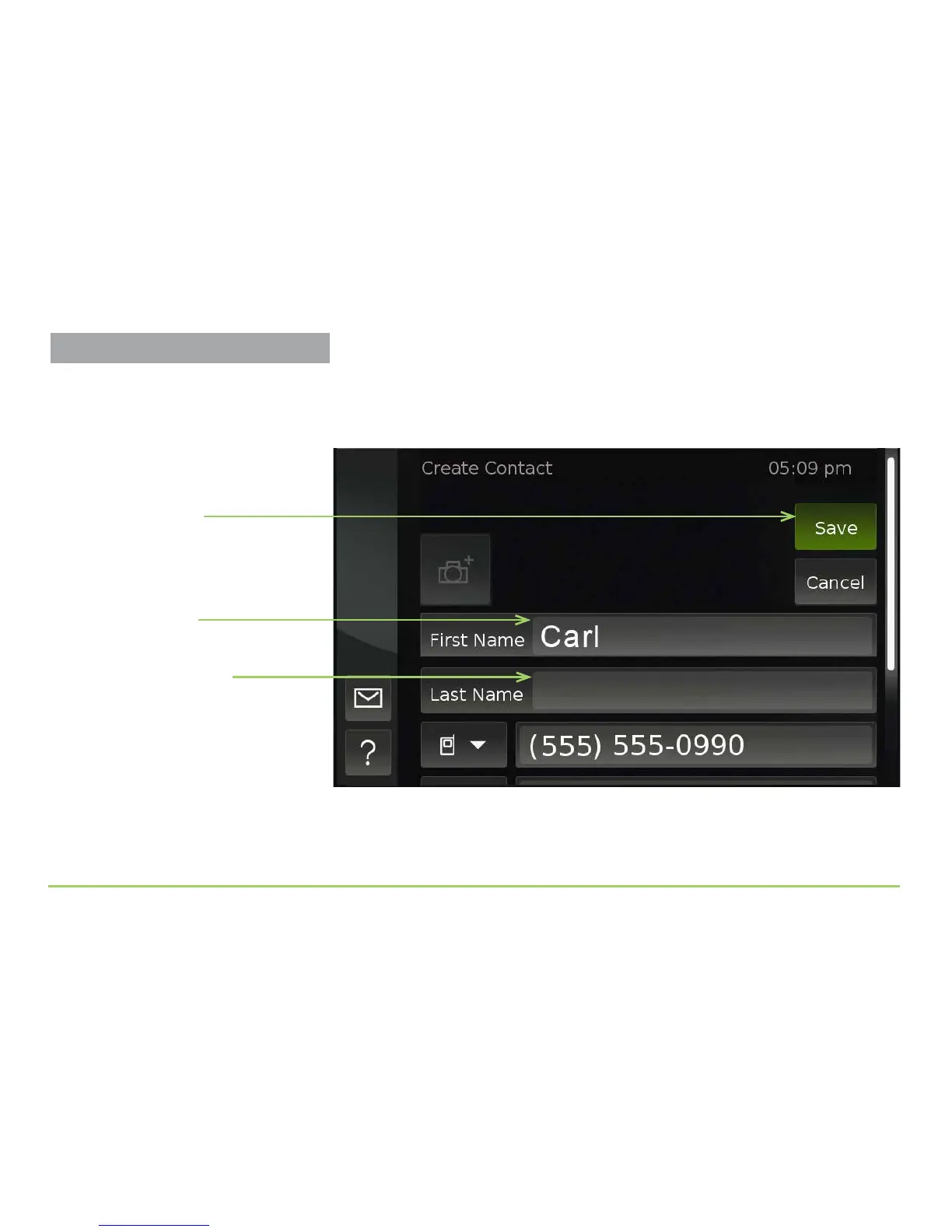
Saving the name will take you back to the Create Contact screen. e name
you entered now appears in the First Name eld as shown below. You can
now repeat this process for the Last Name eld.
Step 8: Touch the Last Name field.
Step 9: Use the keyboard to enter a last name, then touch the Save button
to save the name you entered.
Name now appears
in the field
Save button
Last Name field
Adding Contacts



 To Next Page