58 CaptionCall
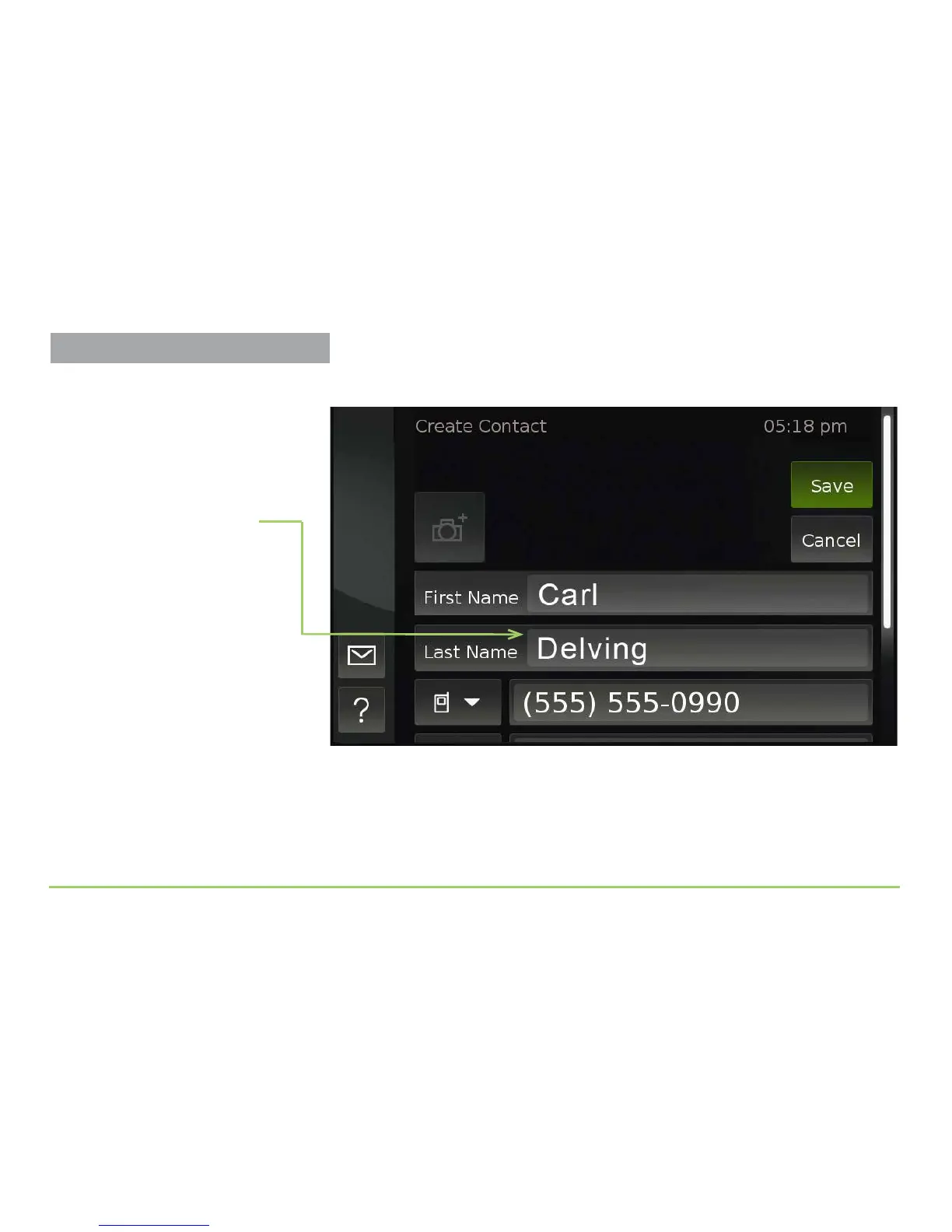
Saving the last name will take you back to the Create Contact screen.
While you’re here, you can add up to two other phone numbers for this
contact in the same way that you edited the name elds. When nished,
you must save the changes you’ve made as you leave this screen.
Step 10: Touch the Save button to save the new contact record.
Name is now in field
Phone Number Types
For each phone number you enter for
a contact, you can set the Phone
Number Type icon to identify the
number as a Home, Office, or Mobile
number.
Adding Contacts



 To Next Page