user guide 59
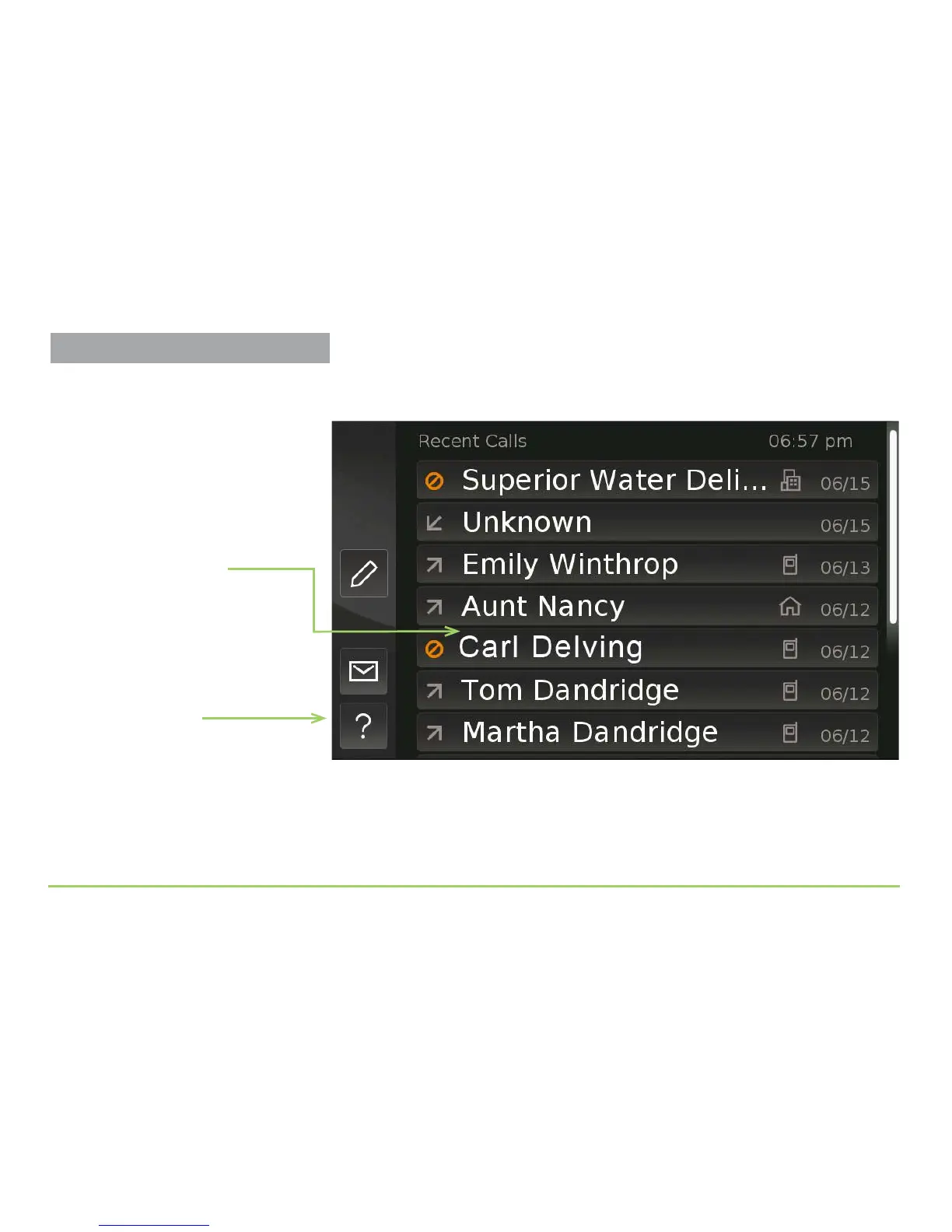
You’ll now be back at the Recent Calls screen. Notice that the entry you
edited in the list now reads “Carl Delving” instead of showing a number.
If you want to see some Help text about the Recent Calls screen, touch the
?(Help) button at the bottom-left corner of the screen.
Step 11: Touch the Help button to display Help text for this screen.
New Contact’s name
is now shown in the
Recent Calls list
Help button
Adding Contacts



 To Next Page