60 CaptionCall
Adding Contacts
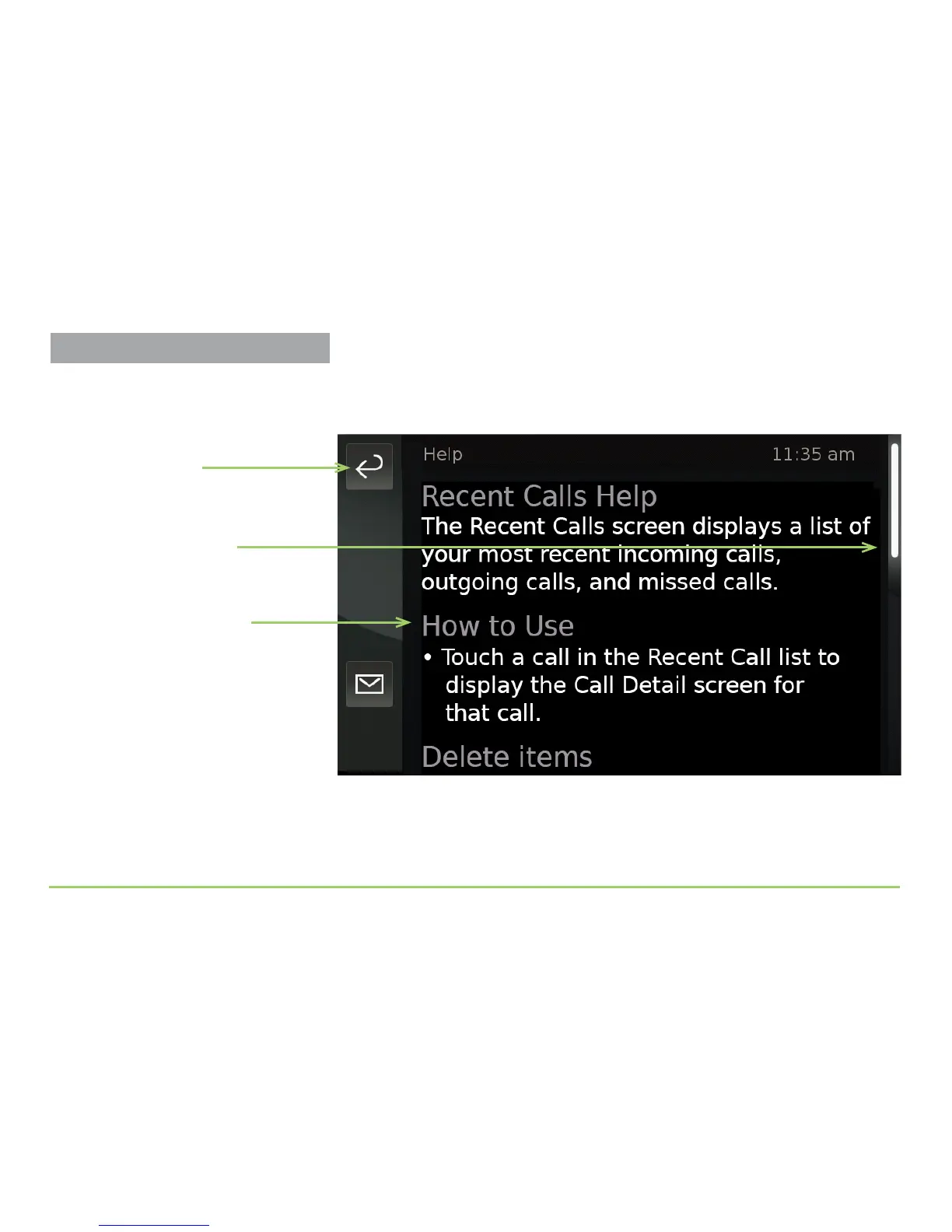
e Recent Calls Help screen will then appear as shown below. e text on
the screen describes how to use the Recent Calls screen. e icons that
appear on the screen are described at the bottom of the scrollable screen.
Step 12: To see all of the Help text, just scroll the screen upward.
Step 13: Touch the Back button to exit the Help text.
Scrollable Help text
Position Indicator
Back button



 To Next Page