68 CaptionCall
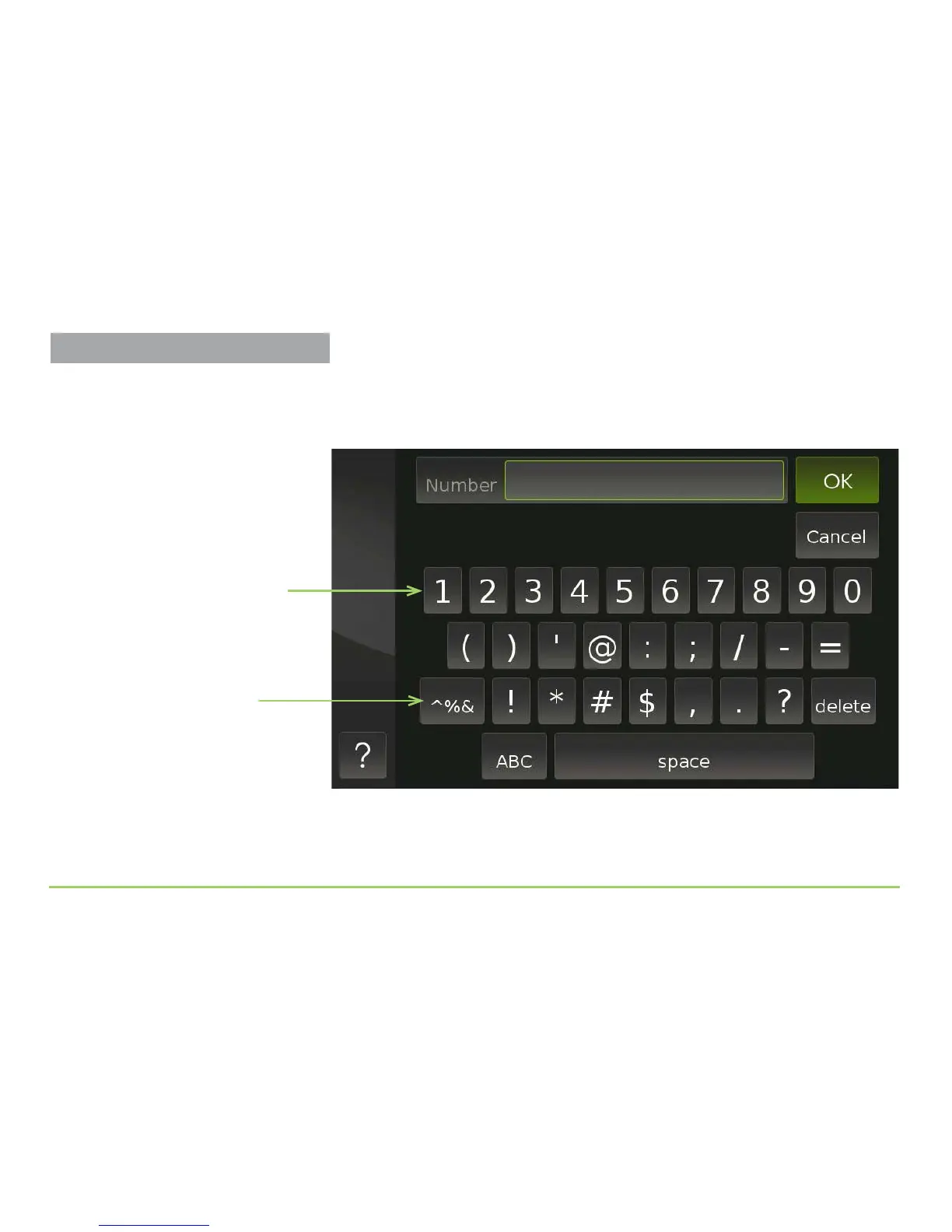
Touching a number eld will display the numeric keyboard. You use this
keyboard to type numbers into the eld. You do not have to enter dashes
or parentheses because they will be entered for you.
Step 13: Touch the OK button to save the number.
Numeric keyboard
Two Numeric Keyboards
You can switch between the numeric
keyboard and the special character
keyboard by touching this button. You
can then add special dialing characters
(such as # and *) if needed.
Managing Contacts



 To Next Page