user guide 69
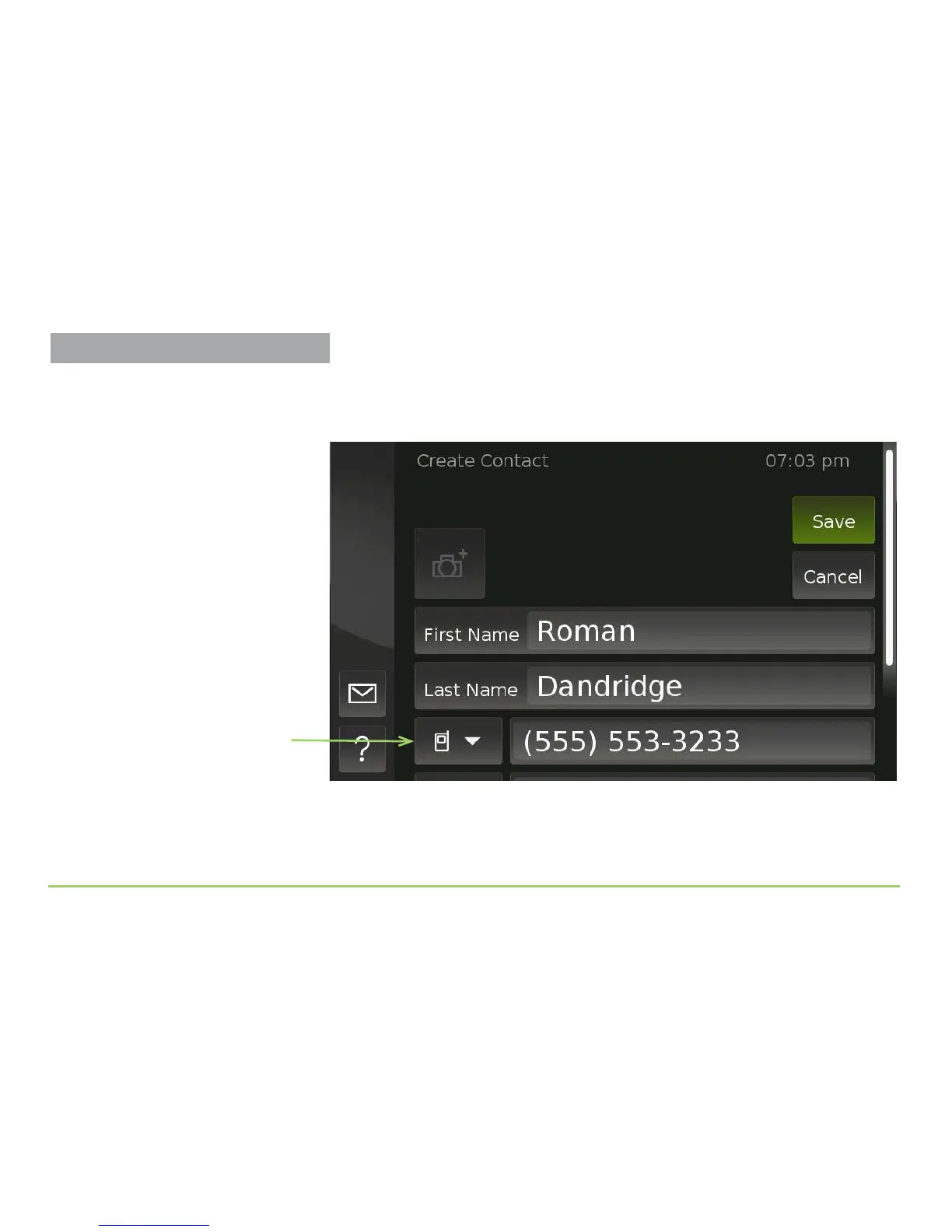
You will now be back at the Create Contact screen as shown in the image
below. e rst name, last name, and the phone number you entered are
now shown on the screen. Our example name was “Roman Dandridge.”
You can now use the Phone Number Type button to identify the type of
phone number you entered for this contact (mobile, work, or home).
Step 14: Touch the Phone Number Type button.
Phone Number Type button
Managing Contacts



 To Next Page