70 CaptionCall
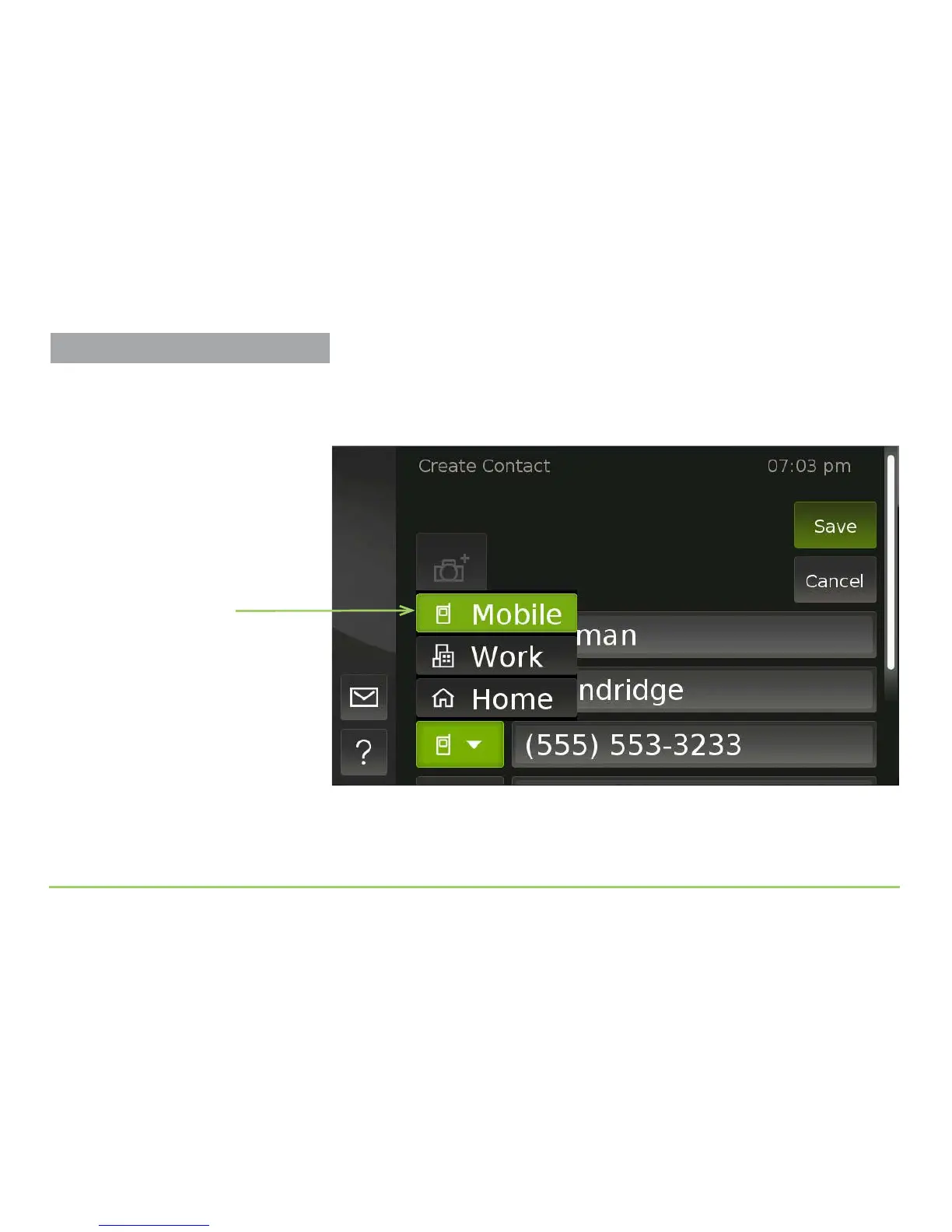
As shown in the image below, you’ll then see a pop-up menu showing the
three types of phone numbers. You can choose Mobile, Work, or Home as
the type. For this example, we’ll specify it as a Home number.
Step 15: Select the “Home” phone number type by touching its name in
the pop-up menu.
Pop-up menu
Managing Contacts



 To Next Page