user guide 71
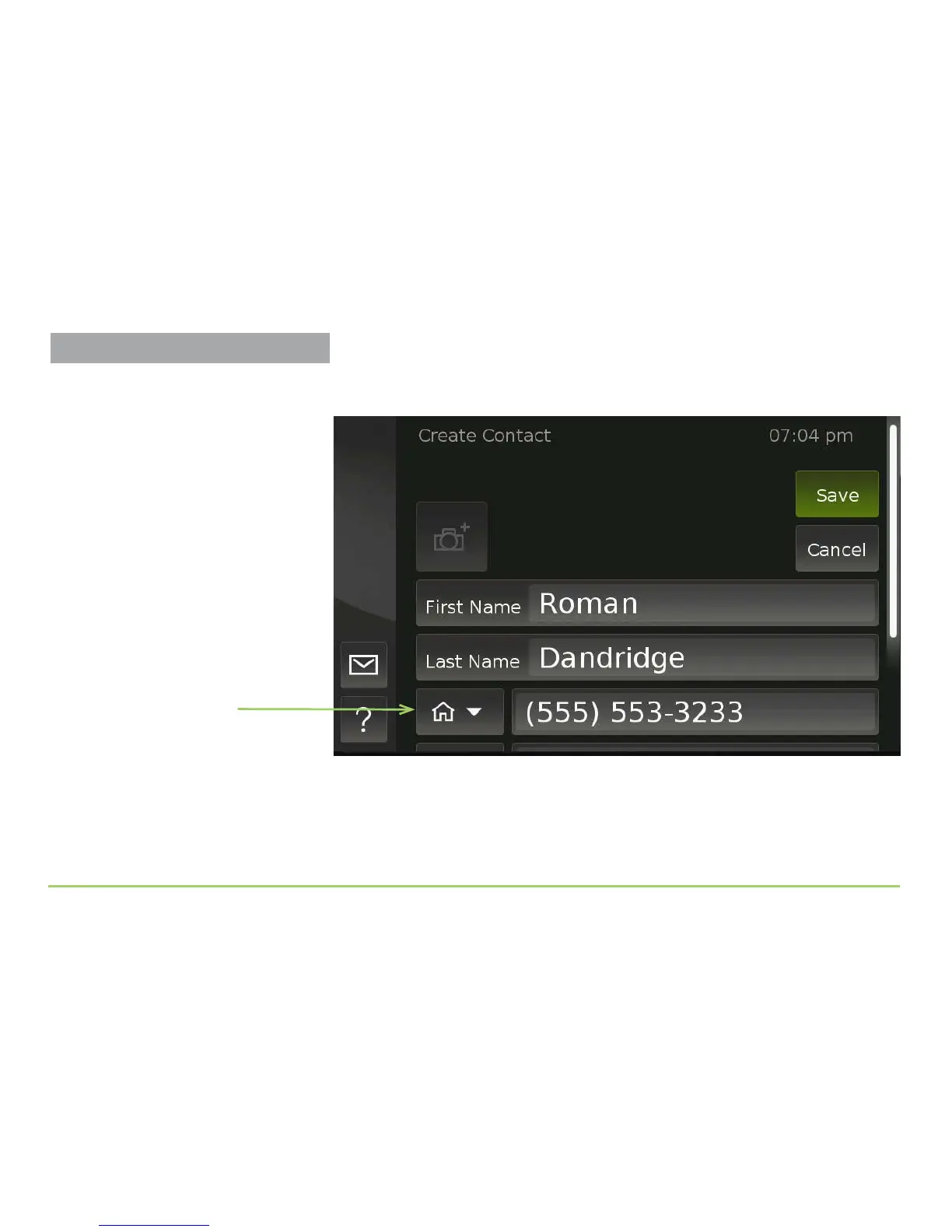
As shown in the image below, the icon in the middle of the Phone
Number Type button now shows the Home number icon.
You can now scroll the screen upward to expose the other phone number
elds so that you can enter up to two more numbers for this contact. You
can also choose to make this contact one of your “Favorite” contacts.
Step 16: Scroll the screen up, then touch the Favorite check box.
Home number icon
Managing Contacts



 To Next Page