72 CaptionCall
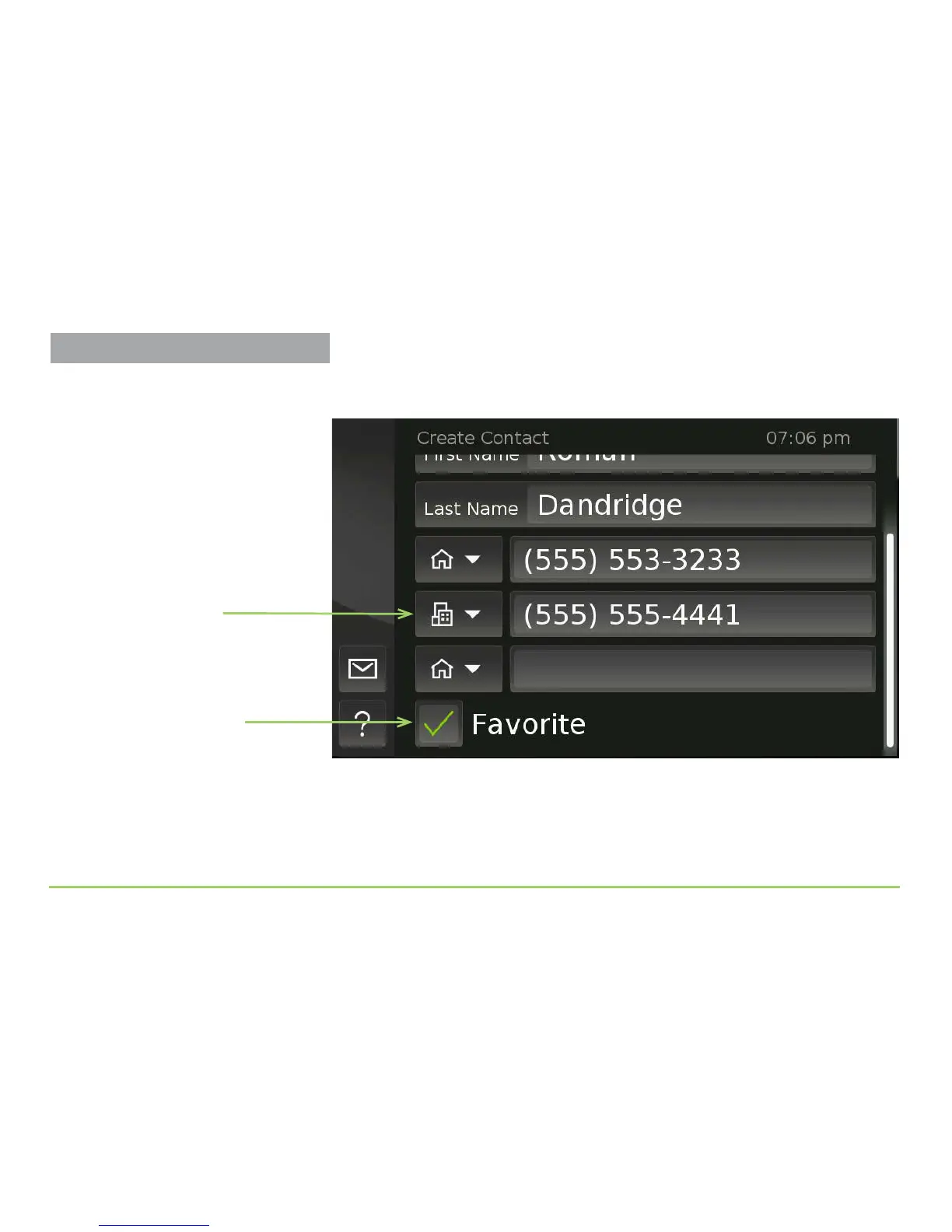
As shown in the image below, the Favorite check box has been checked to
mark this contact as a “Favorite” contact.
Identifying contacts as favorites gives you the option to display a list of
your favorites instead of having to see a list of all your contacts at once.
is feature can be very helpful if you have a lot of contacts.
Step 17: Scroll the screen down, then touch the Save button.
Favorite check box
A “Work” number
was entered for this
example contact
Managing Contacts



 To Next Page