user guide 73
You’ll then be back at the Contacts screen. Scroll the screen to see the new
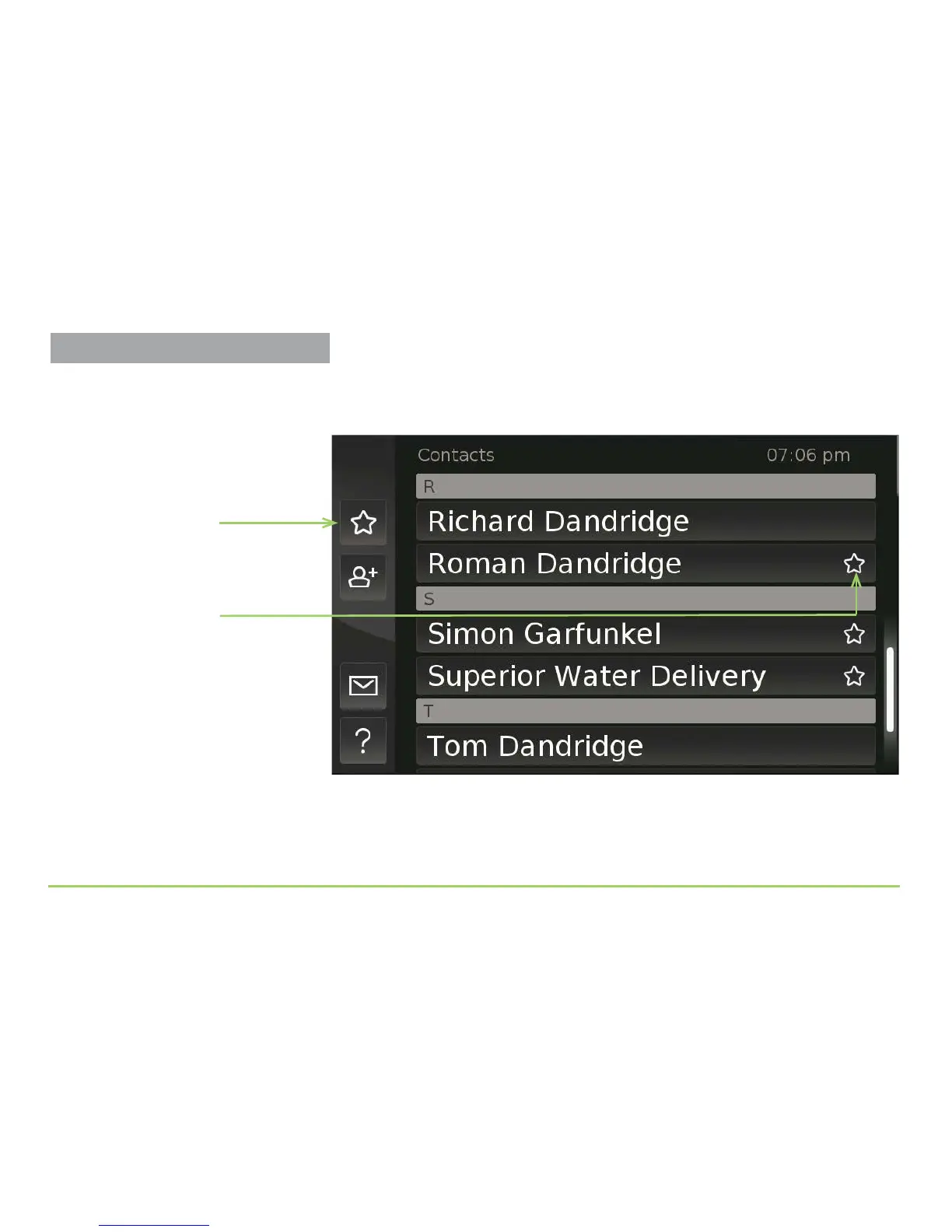
contact you entered. Notice the Favorite icon in the image below that is
located to the right side of the new contact, “Roman Dandridge.”
Also notice the Favorites button, which is used to display on the screen the
list of contacts you’ve marked as your favorites.
Step 18: Touch the Favorites button.
Favorite icon
Favorites button
Managing Contacts



 To Next Page