user guide 79
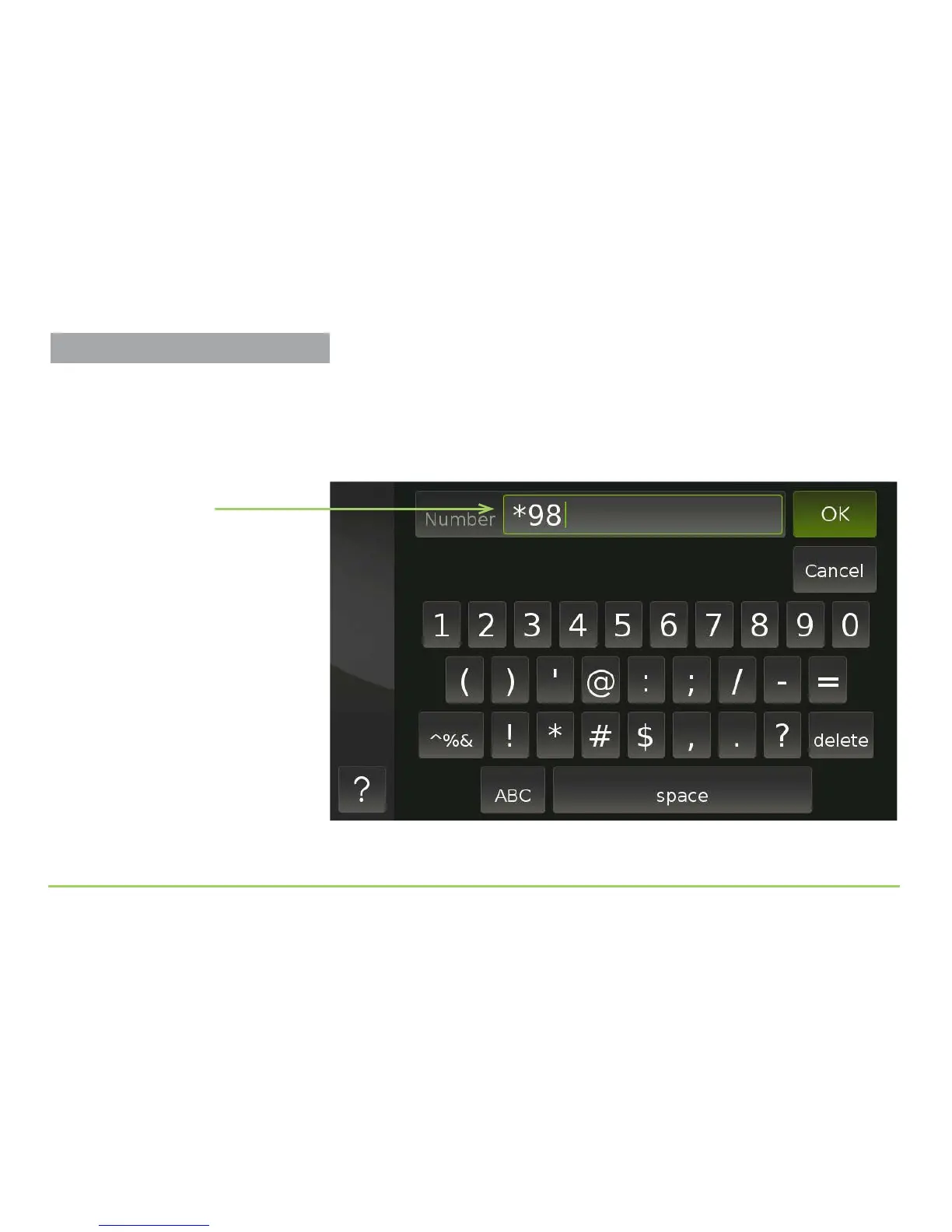
Touching the Number eld will display the numeric keyboard. You use the
keyboard to type the access number into the eld. You do not need to enter
dashes or parentheses because they will be entered for you.
As an example, your voicemail service might use *98 as its access number.
Step 5: Touch the Save button to save the number.
Number field
Captioning Voicemail Messages



 To Next Page