80 CaptionCall
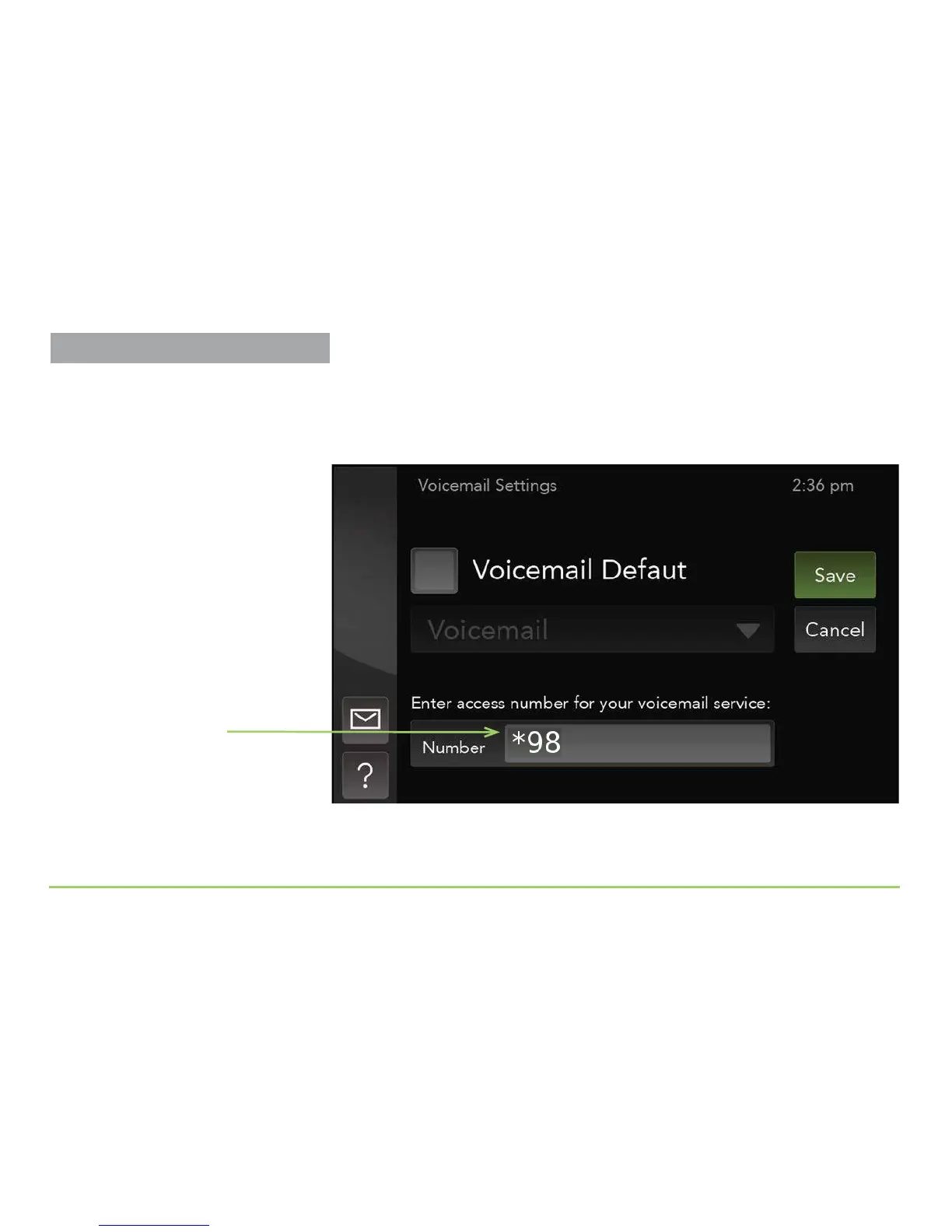
You will now be back at the Voicemail Settings screen as shown below. e
number you entered will be shown in the Number eld. e phone will
automatically dial this number whenever you access your voicemail service
using the Caption Voicemail button.
Step 6: Touch the Save button to save the number.
Number field
Captioning Voicemail Messages



 To Next Page