user guide 81
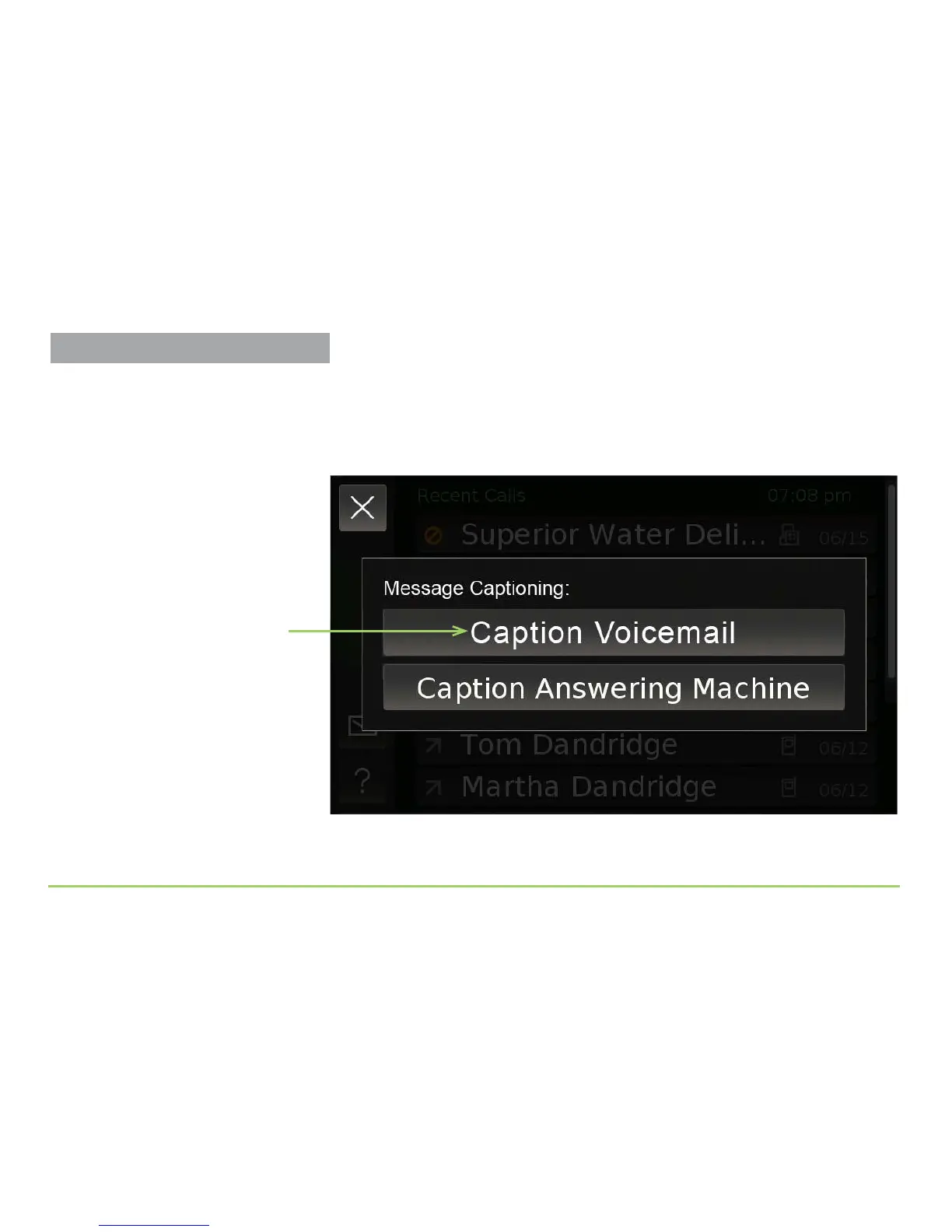
You will now be back at the Message Captioning menu as shown below.
Notice that the top button now reads “Caption Voicemail.” You will use
this button to call your voicemail service. You will then see captioning for
your voicemail messages appear on the CaptionCall phone’s display.
Step 7: Touch the Caption Voicemail button.
Caption Voicemail button
More About Voicemail Settings
You can return to the Voicemail Settings
screen from the Settings screen.
Captioning Voicemail Messages



 To Next Page