82 CaptionCall
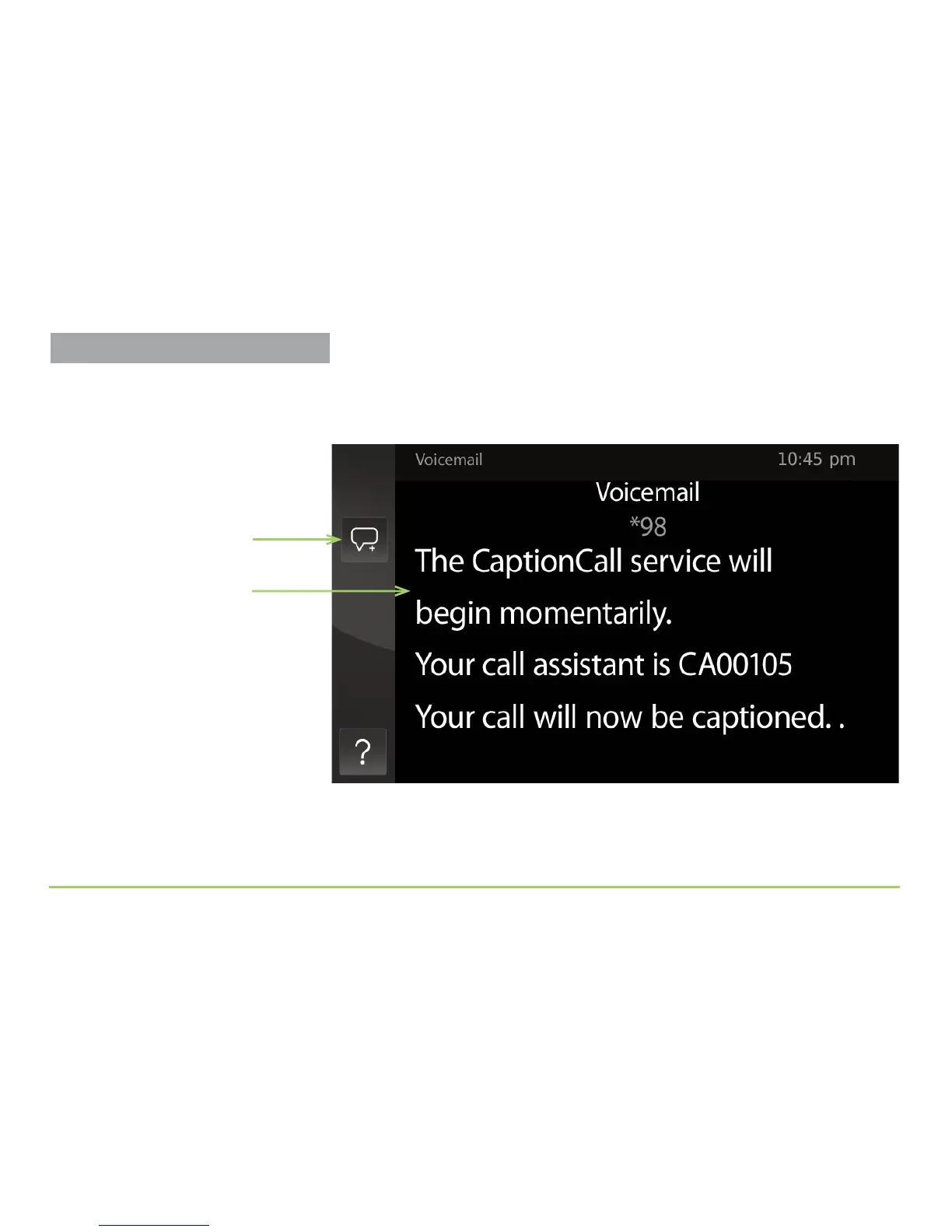
After touching the Caption Voicemail button, the phone will prompt you
to pick up the handset. When you do so, the phone will dial the stored
voicemail access number and start captioning as shown below.
Step 8: Proceed with your call to get your voice messages. Use the
phone’s keypad to enter a password or answer prompts.
Step 9: When you have finished accessing your voicemail, hang up.
Voicemail captions
Listen for Prompts
Your voicemail service might prompt
you before the captioning begins. In
this case, you will have to listen for
the prompts made by the voicemail
system. If you can’t hear the
prompts, wait for the voicemail
system to prompt you again after the
captioning begins.
Save Conversation button
Captioning Voicemail Messages



 To Next Page