user guide 83
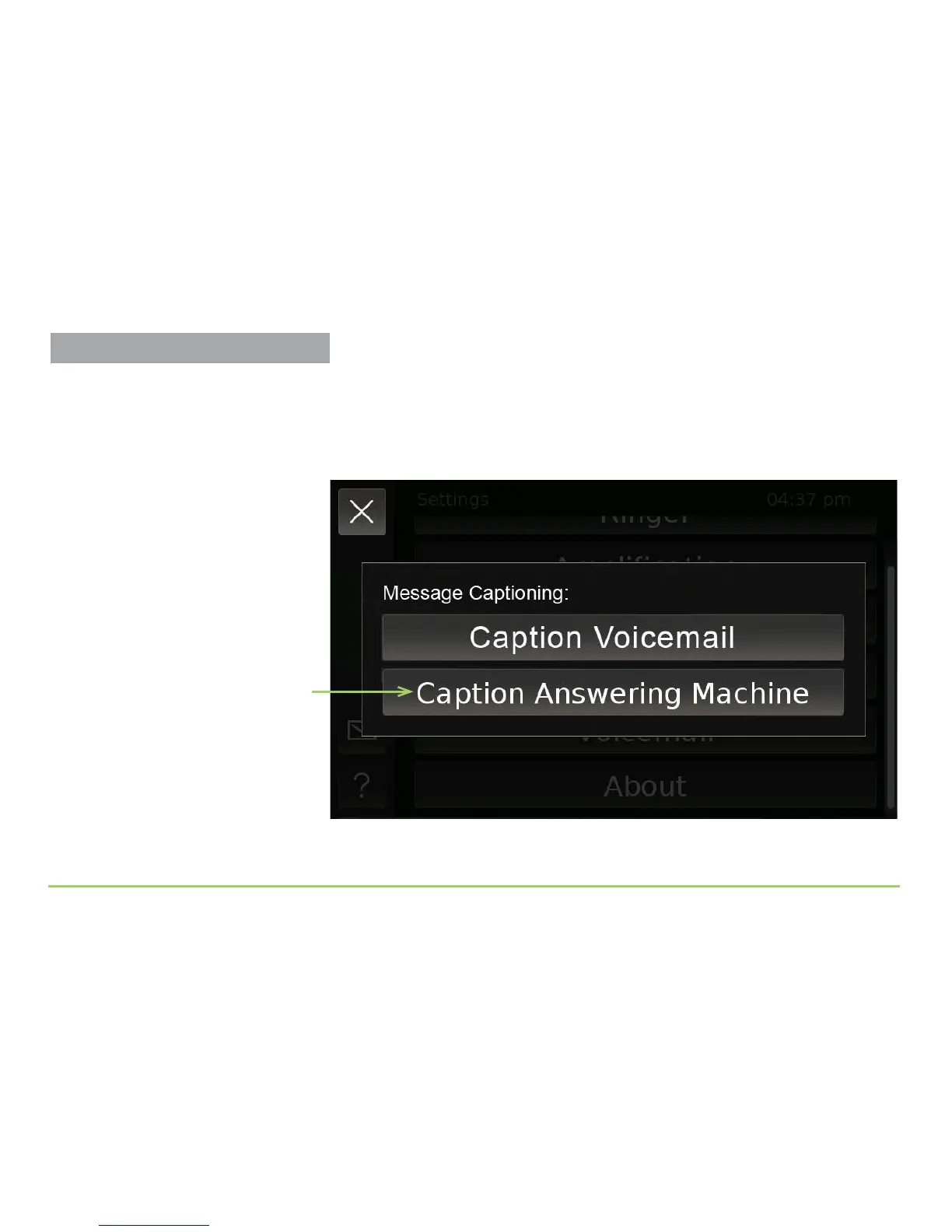
To caption answering machine messages, follow these steps:
Start at the Message Captioning menu as shown below. You can use the
bottom button to use the CaptionCall service while you manually play
back the messages stored on your home answering machine.
Step 1: Touch the Caption Answering Machine button.
Caption Answering Machine button
Captioning Voicemail Messages



 To Next Page