84 CaptionCall
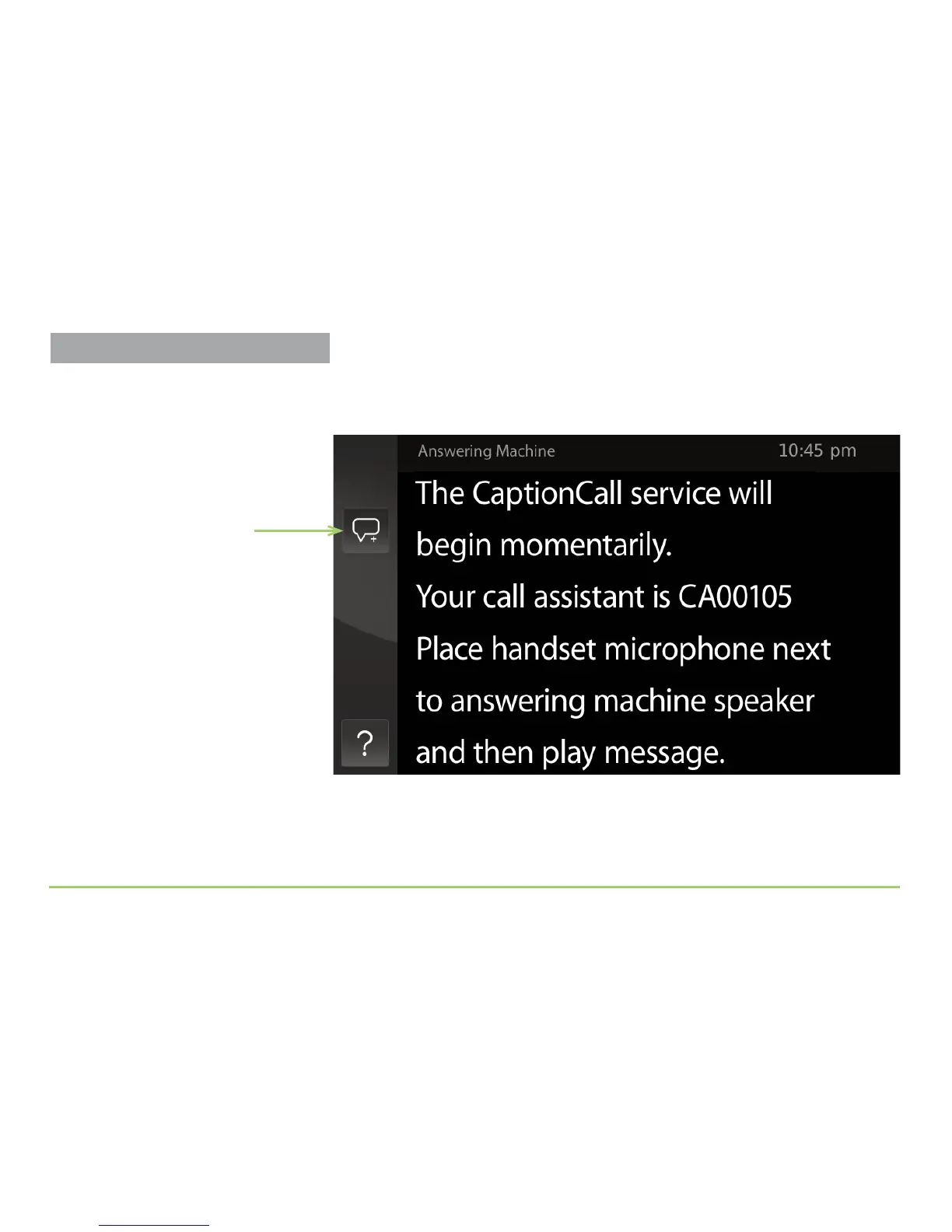
After touching the Caption Answering Machine button, the phone will
prompt you to pick up the handset, then start captioning as shown below.
Step 2: When captioning begins, hold the phone’s handset microphone
next to the speaker on your answering machine.
Step 3: Use the controls on the answering machine to play back your
messages. View the captioning on the display screen.
Save Conversation button
Captioning Voicemail Messages



 To Next Page