user guide 97
Settings Overview
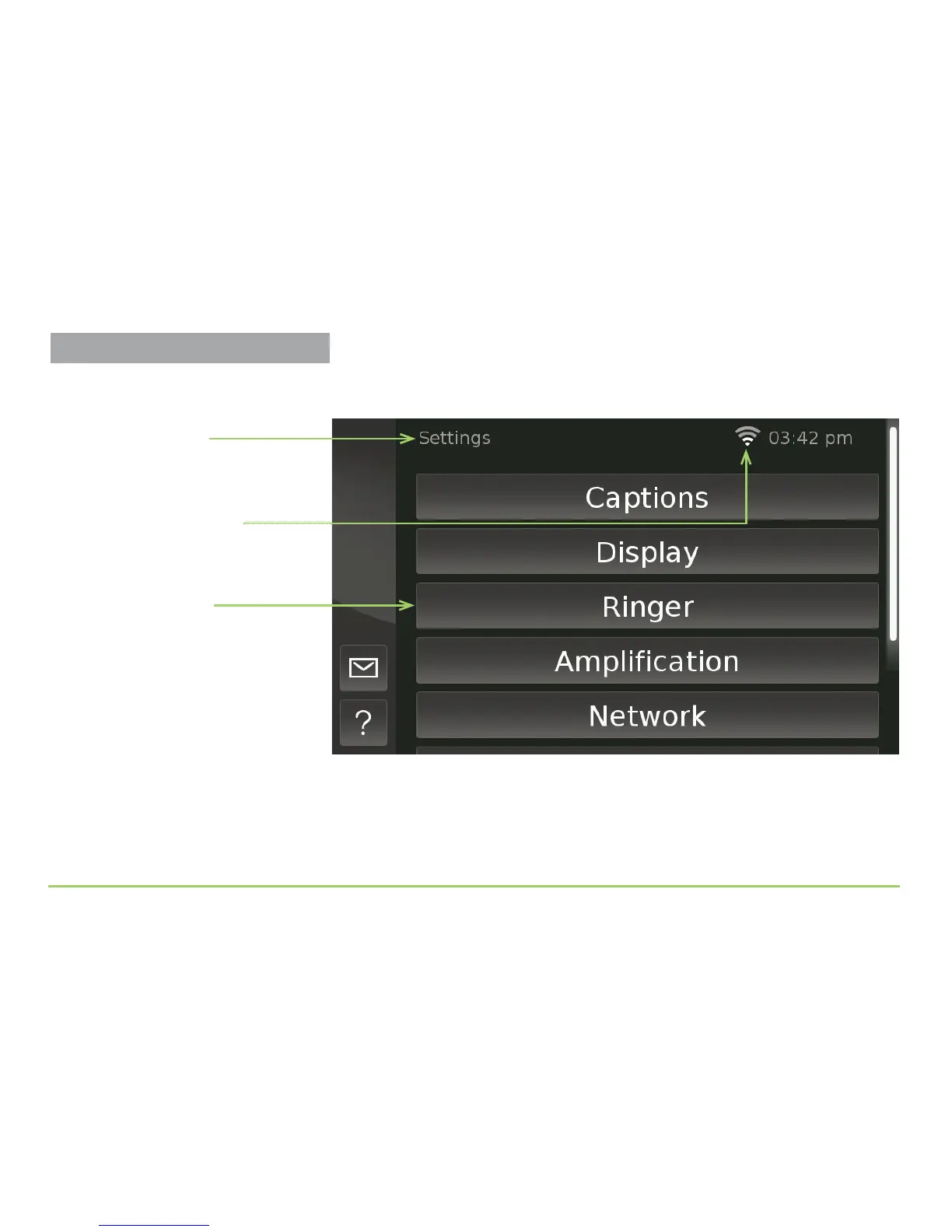
e Settings screen will then appear as shown in the image below. e
Settings screen contains a scrollable list of buttons.
Notice the Wireless Signal icon near the clock. When you see this icon,
the phone is connected to a wireless network. e strength of the wireless
signal is indicated by the number of white bars (i.e., more is better).
Step 3: Scroll the screen upward until you’ve seen all the buttons.
Settings buttons
Name of screen
Wireless Signal icon



 To Next Page