98 CaptionCall
Settings Overview
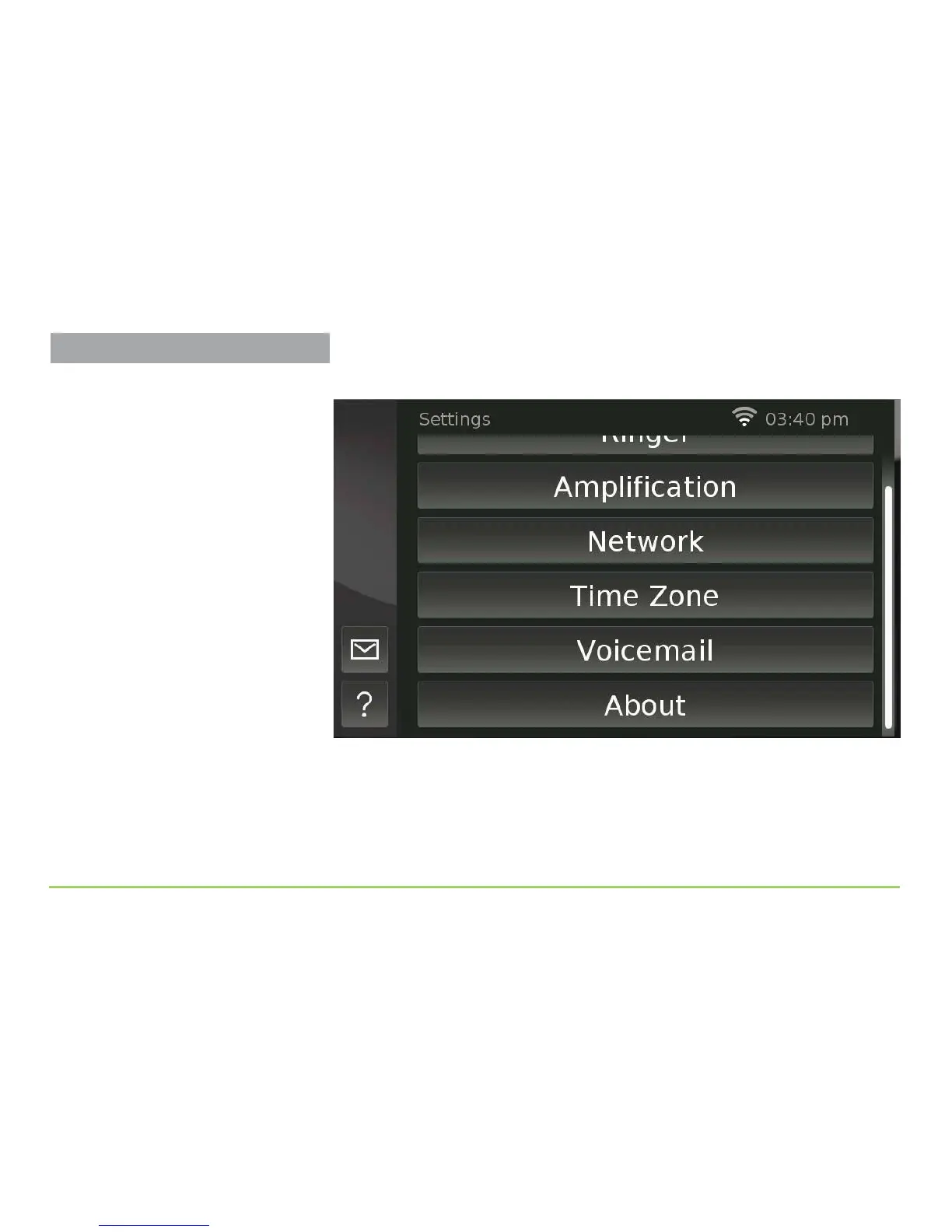
e image below shows the rest of the buttons on the Settings screen.
What to Do Next
To adjust the phone’s settings, touch the button for the settings you want
to change. e remainder of this section provides a complete reference to
each of the buttons on the Settings screen. Please read this entire section
before making any changes to your phone’s settings.
Take Care Before Making Changes
You can experiment with changing some
of the settings (e.g., Display, Ringer, and
Time Zone) without causing problems.
Before making any changes to the
Amplification, Network, and/or Voicemail
settings, please study the descriptions
given in this section carefully.
If you need help with any of these
settings, please call us. See Page 4 for
the Support telephone number.



 To Next Page