Version 15.03.2023 CAM(V100)/ (EF2L145/V20)+(100)/(V20) CI-RL4-NG4-HU
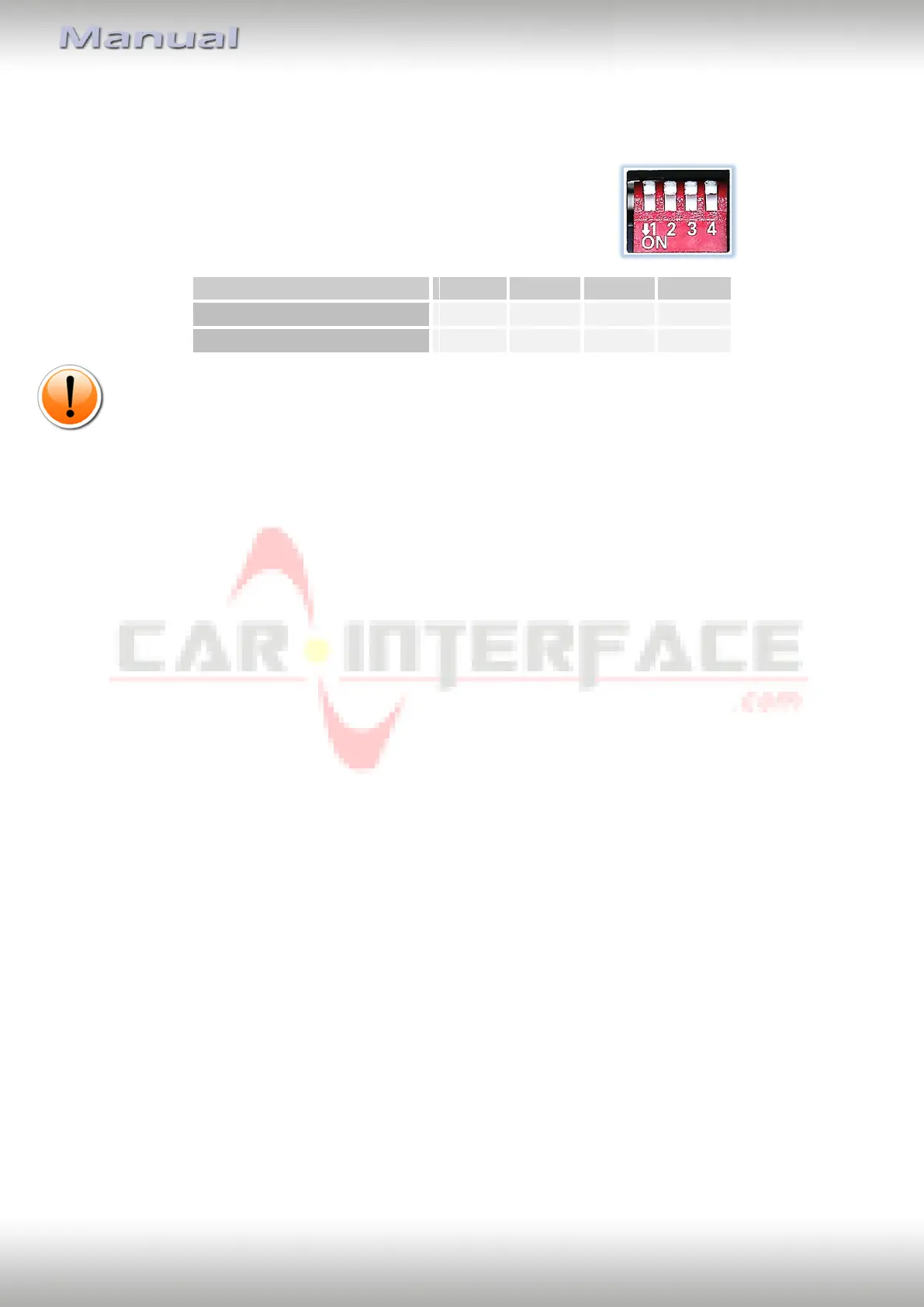
1.4.2. 4 dip - red
By using the Dip-switches, the factory Head-unit or vehicle can be chosen which the
interface will be connected to.
Dip position down is ON and position up is OFF.
Set all dip switches to off
Note: In case the CAN functions according to this table do not work, also try the other dip
switch setting of dip1.
2. Installation
To install the interface, first switch off the ignition and disconnect the vehicle’s battery.
Please read the owner`s manual of the car, regarding the battery`s disconnection! If
required, enable the car`s Sleep-mode (hibernation mode)
In case the sleep-mode does not succeed, the disconnection of the battery can be done
with a resistor lead.
As with any installation of retrofit equipment, a stand-by test is neccessary after the
installation of the video interface, to ensure that the unit also switches off after reaching
the vehicle‘s sleep mode.
Before the final installation, we recommend a test-run of the interface. Due to changes in
the production of the vehicle manufacturer, there’s always the possibility of
incompatibility.
2.1. Place of installation
The video interface is designated to be connected behind the vehicle`s head unit.


 To Next Page