70-01124-02 C
7
Training Device Setup
Training Device Setup
The Training Device has several features that can be tailored to the needs of
the instructor.
Language Selection
Note: This is only for devices with dual languages installed.
To change the language of the voice and text prompts:
1. Open the Training Device lid and immediately press and hold the Shock
button for 5 seconds. The Shock button remains lit and the current
language is displayed on the screen.
2. Press the left soft key on the Training Device to scroll through the
language selections (default or alternate).
3. When the desired language is displayed, press the Shock button.
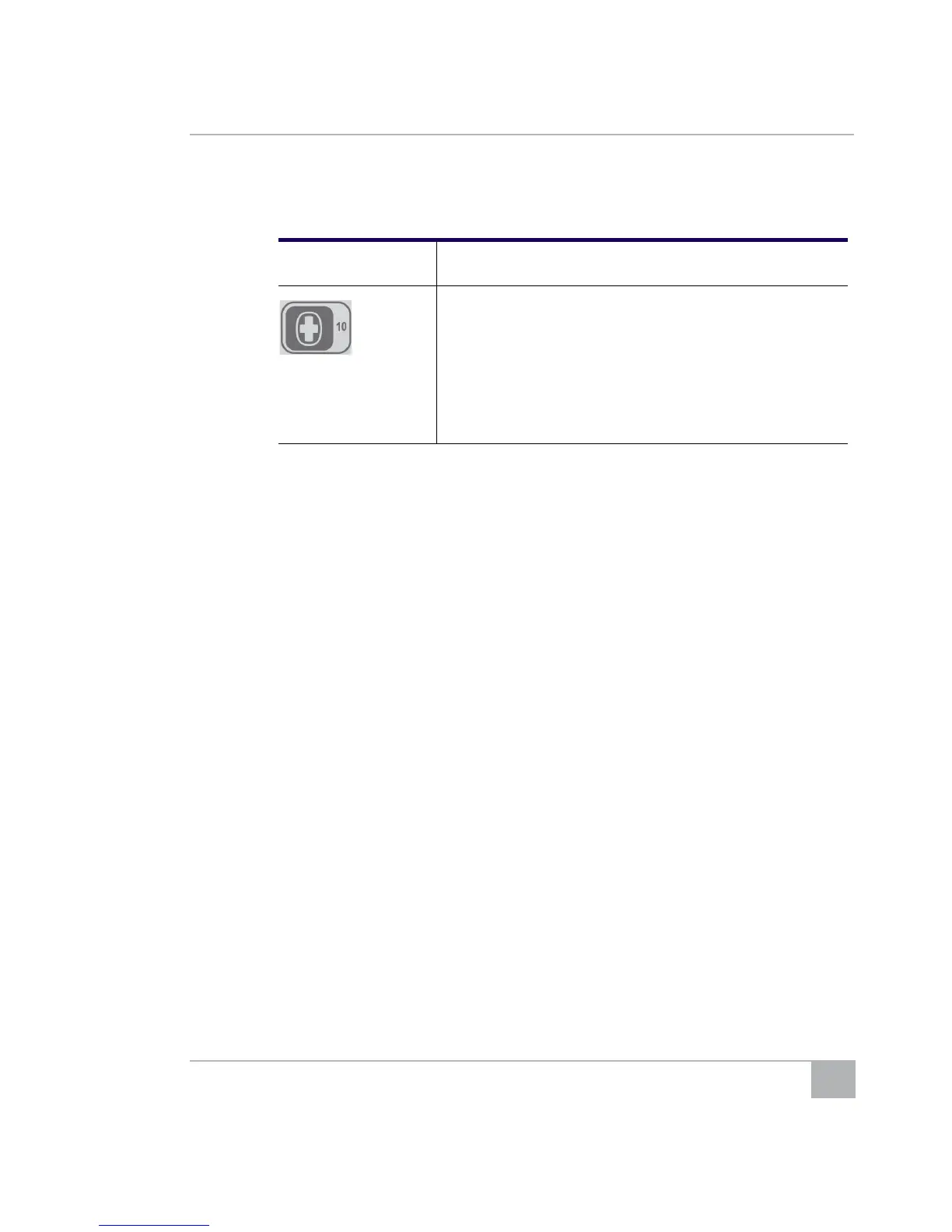
10:
• CPR feedback
• Press 10 then 1 to prompt, “Press harder.”
• Press 10 then 2 to prompt, “Press softer.”
• Press 10 then 3 to prompt, “Press faster.”
• Press 10 then 4 to prompt, “Press slower.”
Note: Turn ON CPRD option on the configuration
menu before performing this operation.
Table 1: AED Training Device Remote Buttons (continued)
Button Use



 To Next Page