EasyManua.ls Logo

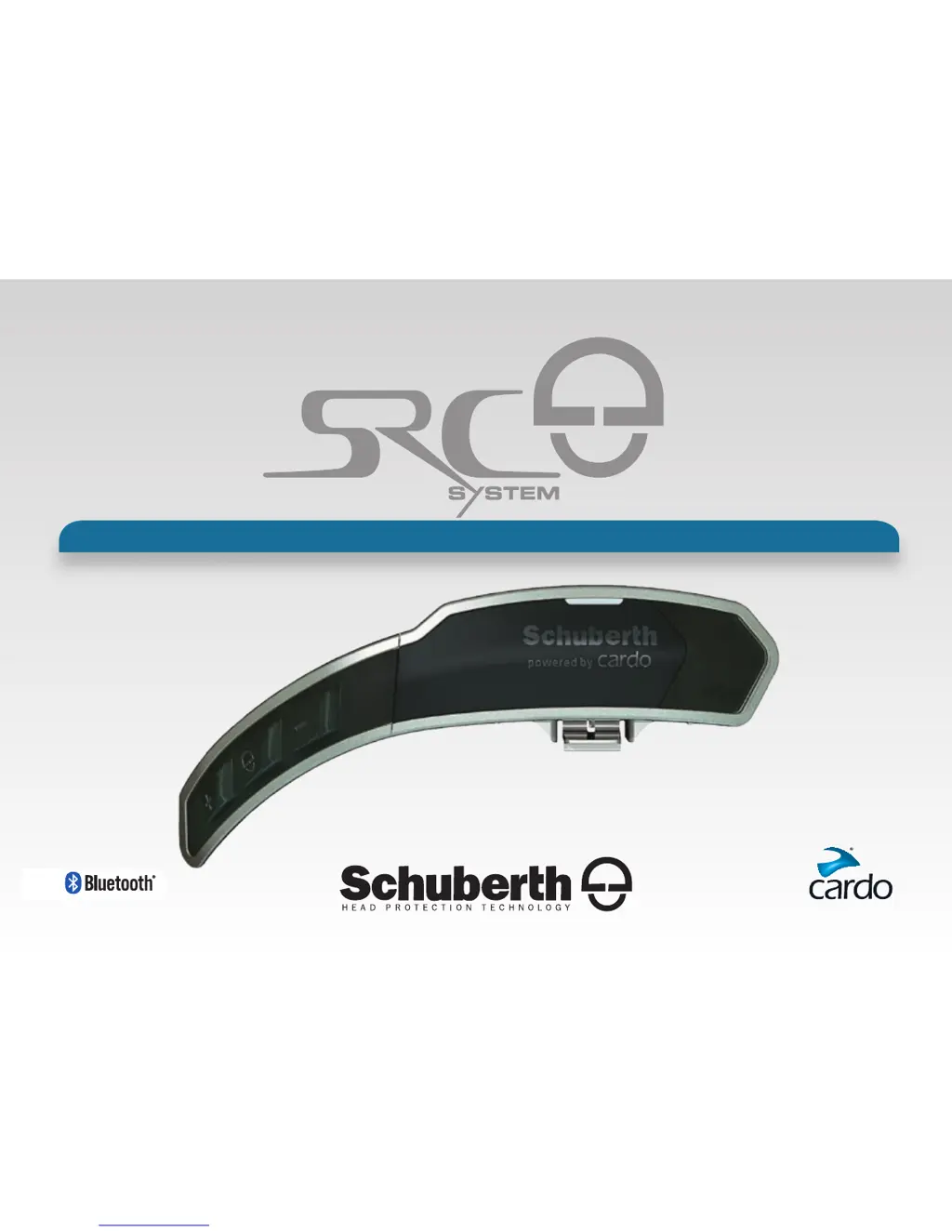
Cardo Systems ER18 - User Manual

Cardo Systems ER18
12 pages
Print Icon
To Next Page IconTo Next Page
Loading...
USER MANUAL
POWERED BY
communication in motion
®

Questions and Answers

  • K
    kennethmasseyAug 9, 2025
    What to do if my Cardo Systems ER18 SRC-System™ stops responding?
    • Z
      zimmermanjesusAug 10, 2025
      If your Cardo Systems Headsets SRC-System™ stops responding, reset it by turning it off and then on again. Press the power button for 2 seconds to perform this reset.
  • L
    Lynn AtkinsAug 23, 2025
    How to reset pairing on Cardo Systems Headsets?
    • R
      Roger HillAug 23, 2025
      To reset the pairing on your Cardo Systems Headsets (which deletes all paired devices), put the device in Standby mode, then press the button labeled 'a' for 5 seconds until the LED flashes RED and BLUE. Next, press the same button for 2 seconds until the LED flashes 5 times in PURPLE.

Cardo Systems ER18 Specifications

General IconGeneral
BluetoothYes
Bluetooth Version4.1
Battery Life13 hours
Water ResistanceIP67
Speaker Type40mm HD speakers
CompatibilityUniversal
Product TypeMotorcycle Communication Headset
RangeUp to 1.6 km (1 mile)
Microphone TypeNoise-canceling

Related product manuals