8
5.6 CLICK-TO-LINK® INTERCOM CTL
Click-to-Link is the spontaneous, “social” feature of your SRC-System™.
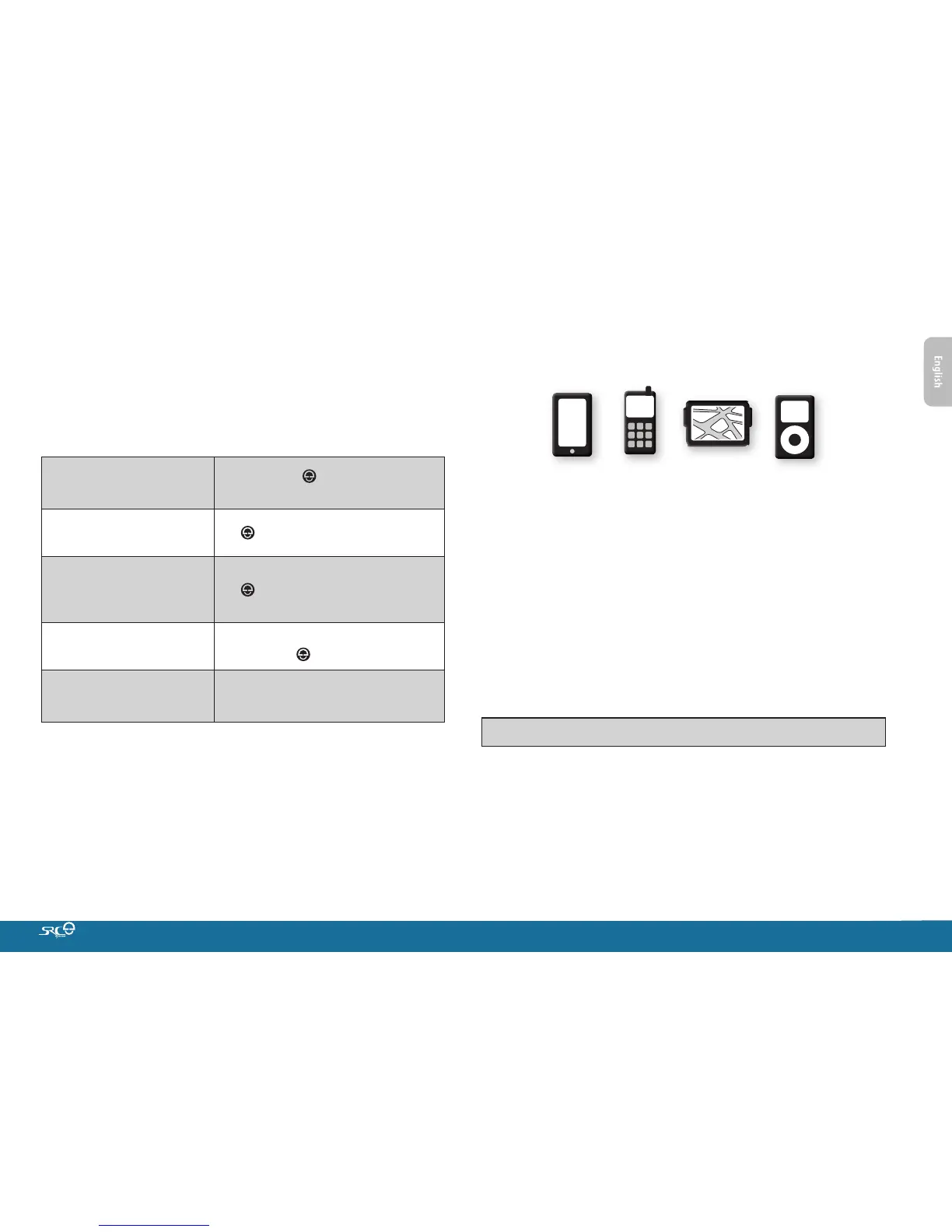
Use Click-to-Link to make intercom calls with other riders nearby
without pre-pairing.
Click-to-Link can be disabled on your unit eectively blocking any
attempt by others to make Click-to-Link calls to you.
Start a CTL call request
(search lasts up to 10 seconds)
In standby, tap and
a
simultaneously
End a CTL call /
Cancel a CTL call request
Tap
Accept a CTL call
When hearing the CTL ringtone:
Tap or say any word loudly to answer
by VOX
Reject a CTL call
Remain silent until the CTL ringtone
stops or press
for 2 seconds
Enable/Disable CTL
(Default: ENABLED)
Via the App or the Cardo Community
If other riders are nearby, your next CTL call may randomly connect
to any of them.
6. PAIRING AND USING A MOBILE PHONE,
GPS DEVICE OR MP3 PLAYER
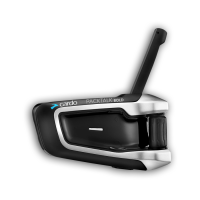
To connect your SRC-System™ to a Bluetooth device you must rst
pair them. Once paired, they will automatically recognize each
other whenever they are within range (10m / 33ft).
Your SRC-System™ has two Bluetooth channels for connection to
mobile phones, GPS devices and music players with A2DP.
6.1 PAIRING BLUETOOTH CHANNELS 1 AND 2
1. Make sure Bluetooth is enabled on your phone/GPS/MP3 player.
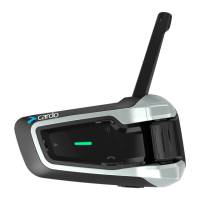
2. Check the SRC-System™ is in Standby (single BLUE ash every
3 seconds).
3. To pair Bluetooth Channel 1 – press
a
for at least 5 seconds
until the RED and BLUE LEDs begin rapidly alternating.
To pair Bluetooth Channel 2 – press
a
for at least 5 seconds
until the RED and BLUE LEDs begin rapidly alternating.
To pair a GPS, when LEDs begin rapidly alternating, tap
a
.
4. Search for Bluetooth devices on your phone/GPS/MP3 player by
following the device’s instructions.
5. After a few seconds the device will list “SRC-System”. Select it.
6. If prompted for a PIN or Passkey, enter 0000 (four zeros).
7. The device will conrm that pairing has succeeded and the
SRC-System™ will begin ashing slowly in BLUE.
8. If pairing is not completed within 2 minutes, the unit will return
to Standby.









 To Next Page