PadScan HD 2
Caresono Technology Co., Ltd 28
Chapter Night Checking and Troubleshooting
9.1 Checking
●Check if the power supply is functioning properly (the battery is well installed to the device)
9.2 Troubleshooting
Check/Corrective Action(s)
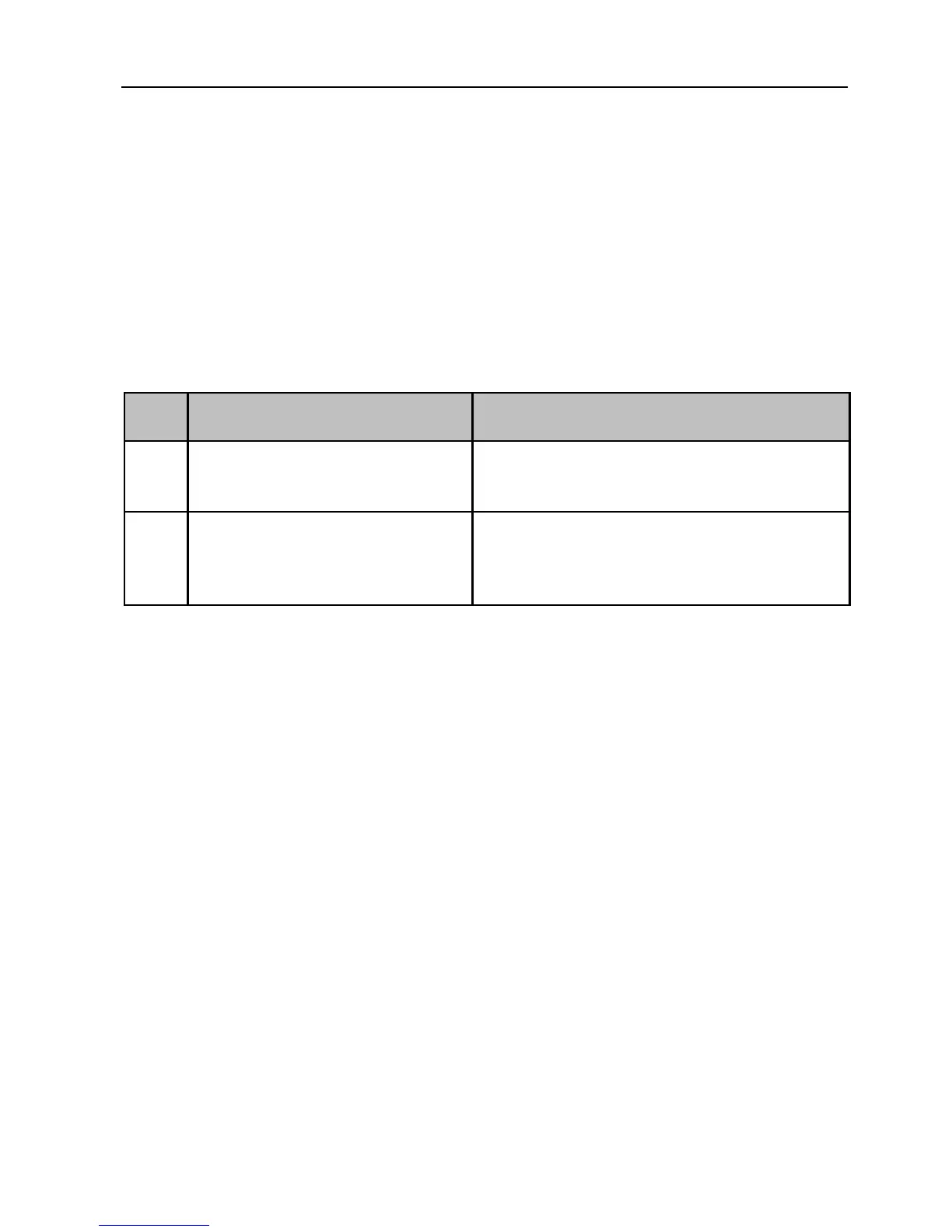
When power button pressed, the indicator
does not turn on and no signal on the display
screen visible.
1. Check whether or not the battery is well installed to
the device.
2. Check whether or not the battery is working
Screen display shows “snow-like” images
or mesh interference appears on the screen.
1. Check the power supply and see whether or not the
battery is working properly.
2. Check the surroundings and whether there is the
electromagnetic interference.
9.3 Contacting Caresono for support when fault of device unsolved
9.4 Maintenance
●Please perform maintenance in specified departments
●Please contract manufacturers for maintenance information


 To Next Page