Appendix
A–38 AJ4309 | 2019-08-13
Defect Template Modification
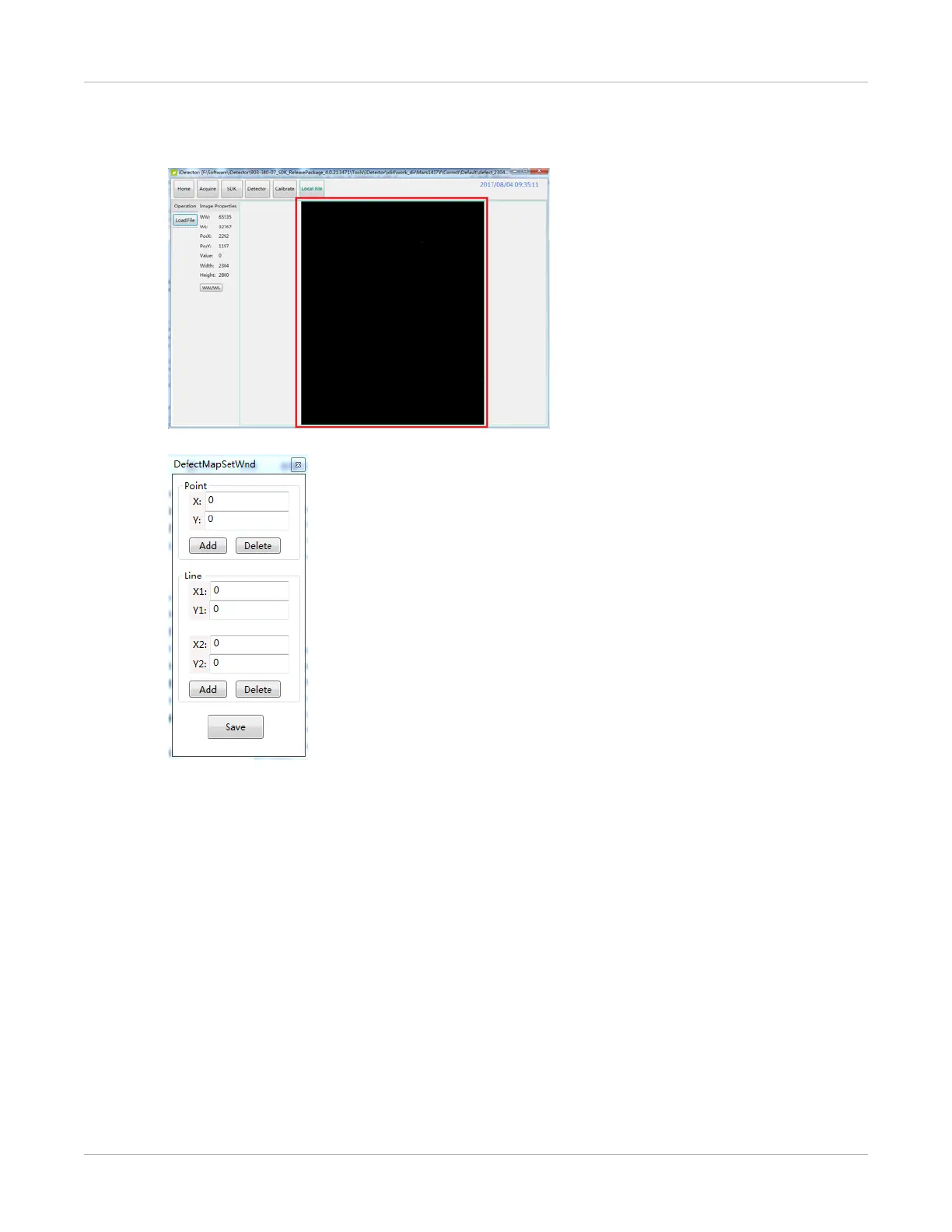
1. Open the specified defect template.
The defect management dialog box will be displayed.
2. Locate the pixel that needs to be managed, type the coordinates of the pixel, and
select Add. The information will be added to the template.


 To Next Page