Appendix
AJ4309 | 2019-08-13 A–37
Defect Template Check and Modification
The iDetector software provides the ability to check the defect template. If the template
has updates, the user can add and delete pixels or defective lines by modifying the
opened defect template.
Defect Template Check
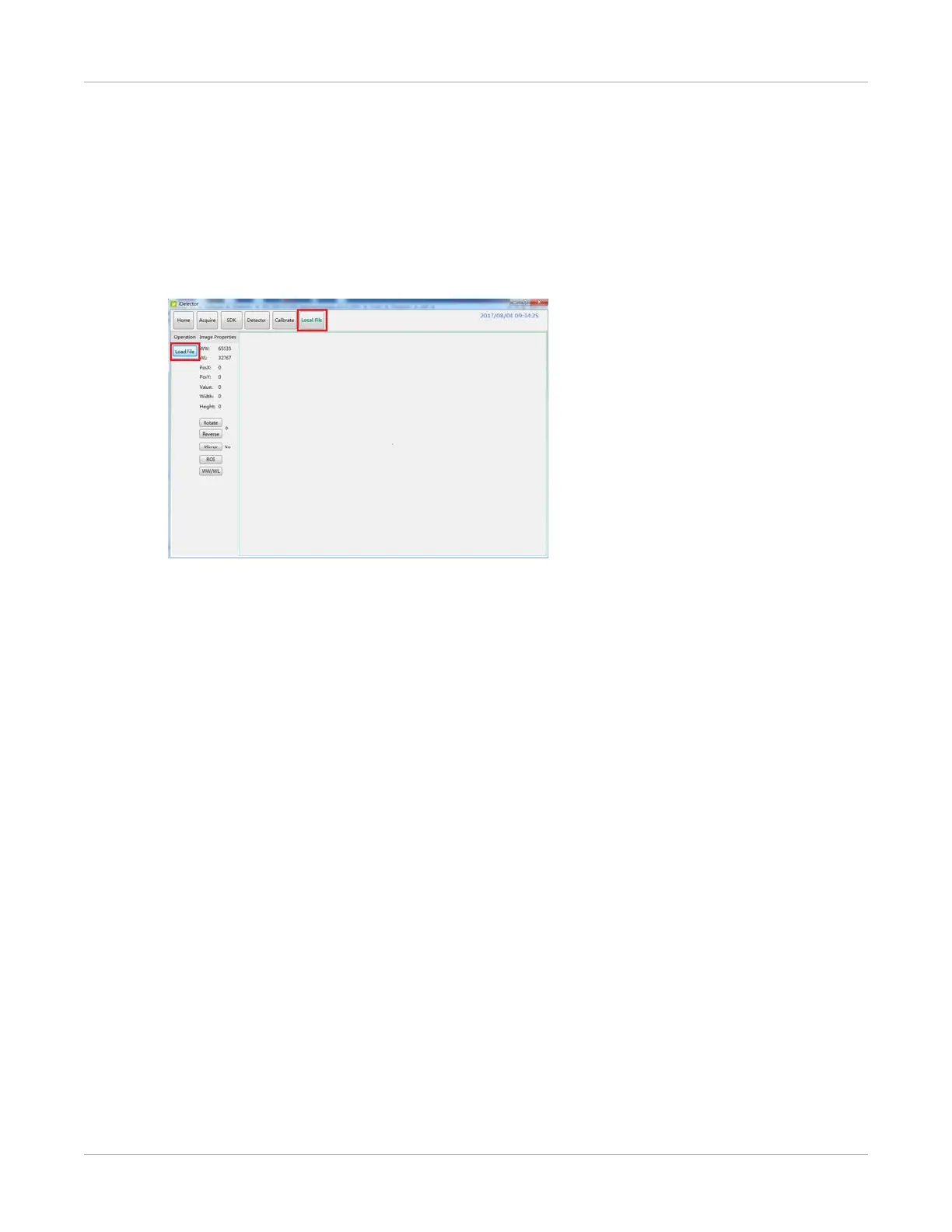
1. From the Local File page, select Load File.
2. Select the specified defect template, and select Open.
The defect template will be displayed.


 To Next Page